

Photo-to-singing workflow
Upload a photo first, then build a singing video around that face. It is a simple app that makes pictures sing when you want to make your photos sing without timeline editing.
Upload a portrait, selfie, cartoon singer photo, or character image and make your photo sing with lip-sync, expressive motion, and music-video style scenes for social media.
Make Photo Sing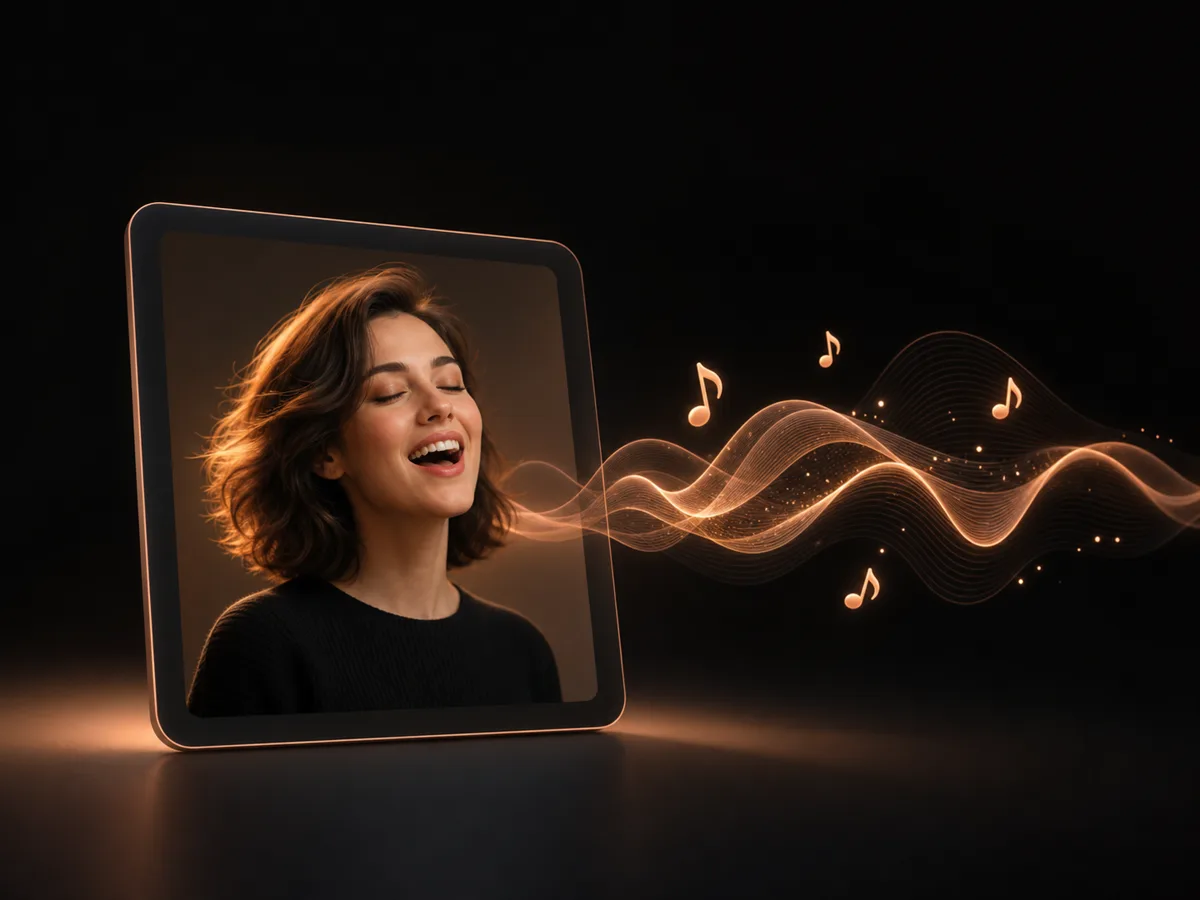


 Followers
 App Ratings
 Creators
Upload a photo first, then build a singing video around that face. It is a simple app that makes pictures sing when you want to make your photos sing without timeline editing.
Make your selfies sing, turn profile pictures into expressive performers, or create a fun singing photo for friends and fans.
Generate natural mouth movement, facial expression, head motion, and performance energy from a still portrait with an AI singing photo generator.
Use realistic portraits, AI singing avatars, cartoon singer photos, singing photo AI styles, or singing photo cartoon concepts in one creative workflow.
Move from AI photo singing to a short AI singing video with camera motion, cinematic light, and social-ready pacing.
Try VibeMe as an AI singing photo free starting point and a free app to make pictures sing, then choose the plan that fits export quality, volume, and watermark needs.
Show social media proof, high-performing videos, and creator examples made with VibeMe's AI music video workflow.

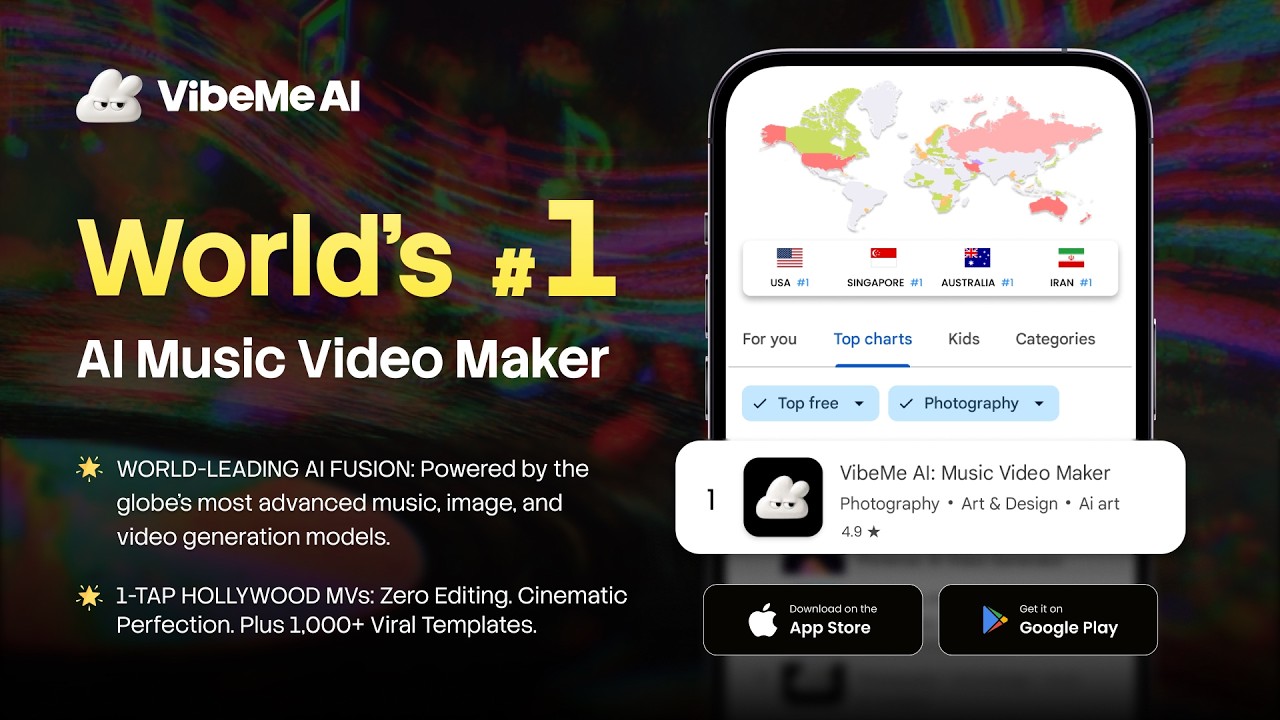
Add a selfie, portrait, group face, cartoon singer photo, or avatar. A clear front-facing image works best for AI photo singing.
Use a song, lyric idea, generated music, karaoke concept, or short performance prompt to define how the photo should sing.
VibeMe animates the face, adds lip-sync and motion, then turns the image into an AI singing video you can preview and refine.
Export singing pictures and short singing photo videos for TikTok, Reels, Shorts, profile posts, birthday clips, and creator content.
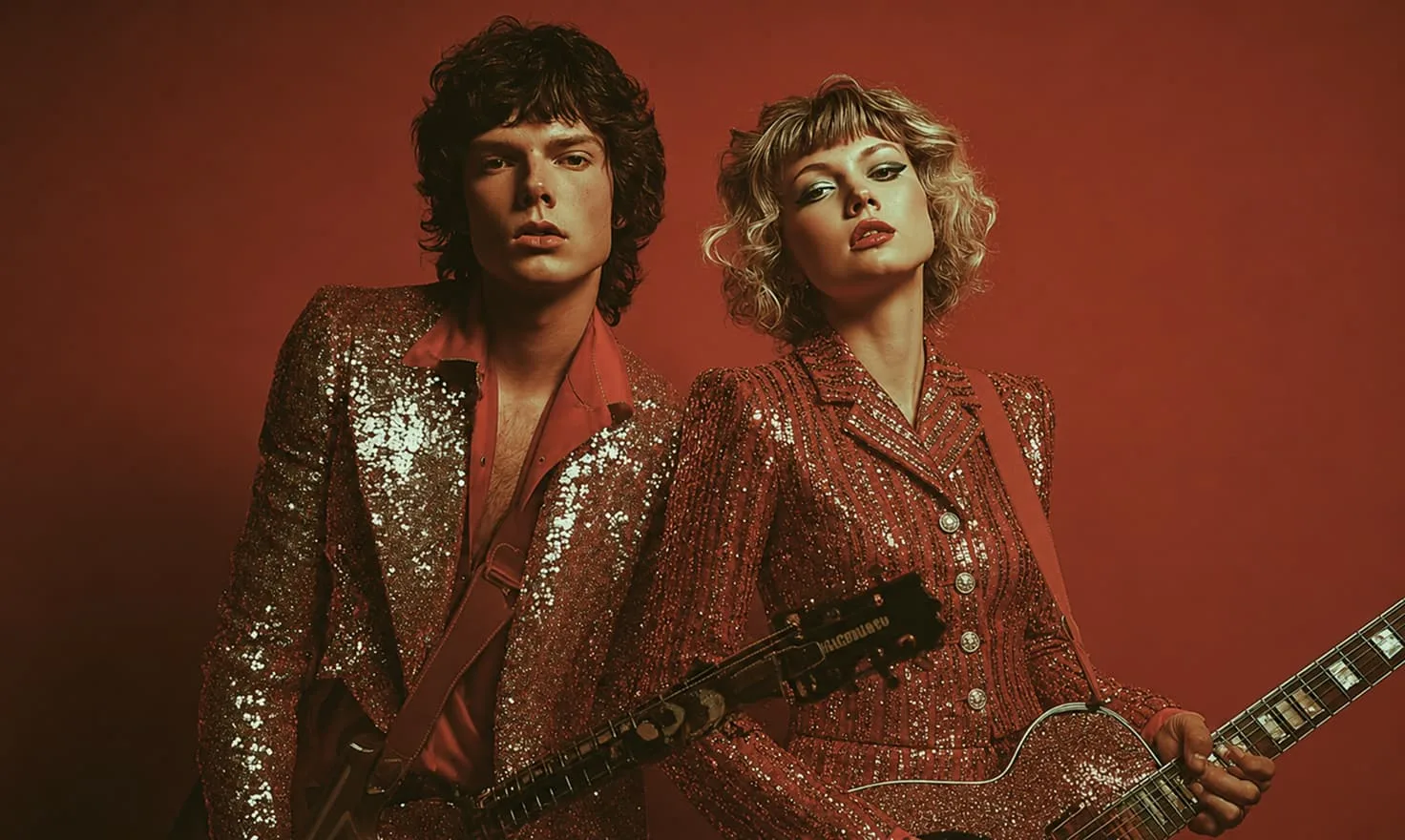
Turn photos, singers, and songs into complete AI music videos.
Create song videos and social clips from music and prompts.
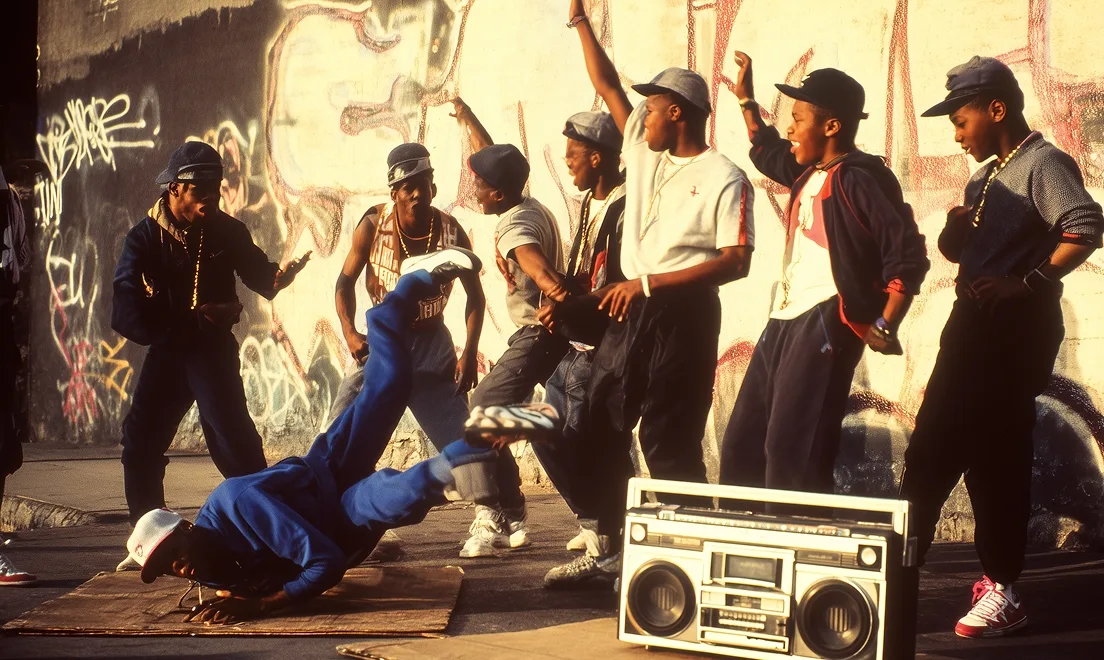
Turn audio files into animated visual videos.
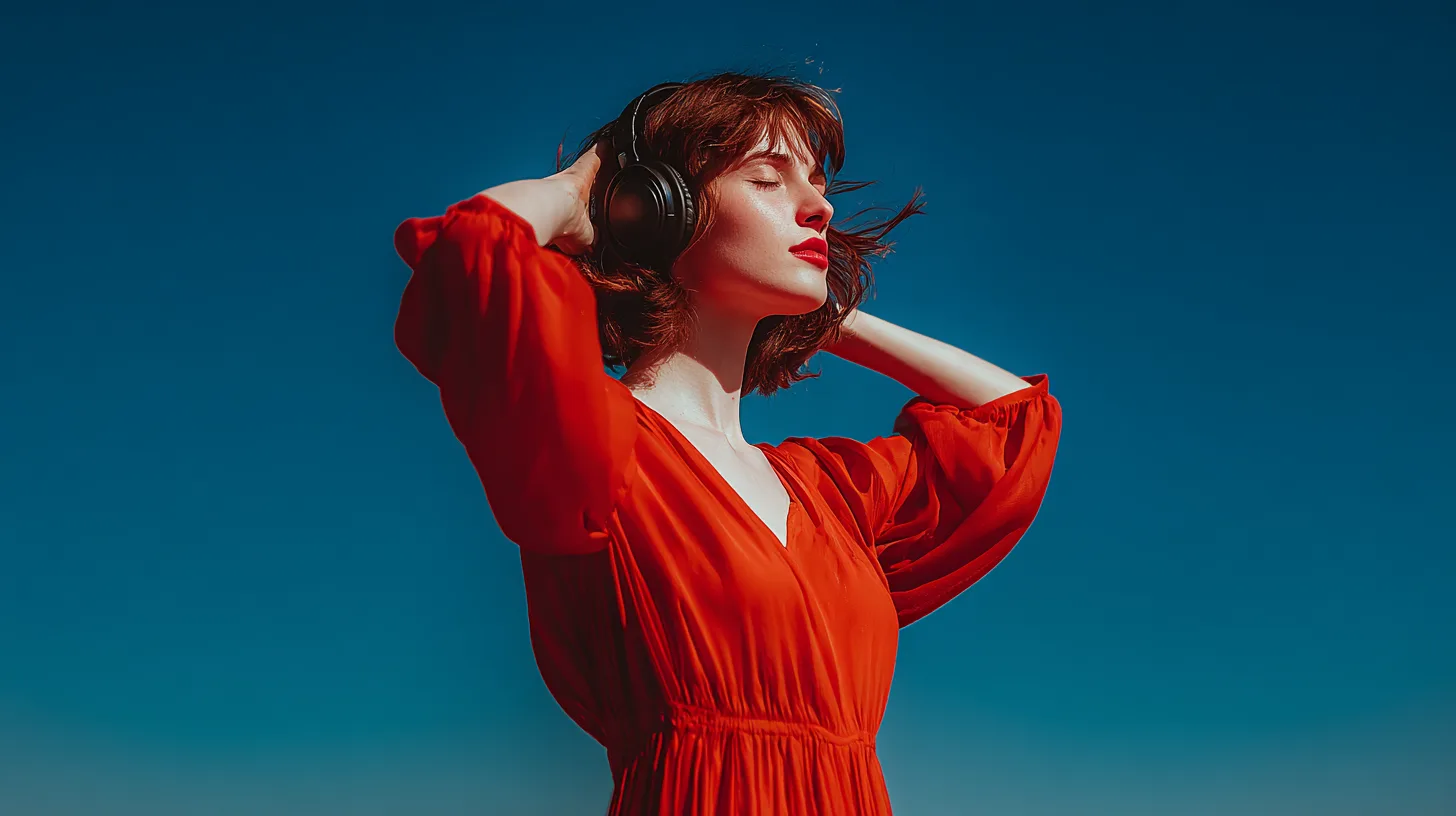
Create music or lyrics, then make your photo sing to the result.
Generate cartoon singer photos, avatars, and reference images.
“I uploaded one selfie and turned it into a singing birthday clip without learning any animation software.”
“The photo singing workflow is simple enough for fast posts but still gives me music-video style motion.”
“We use it to test AI singing avatar ideas before building a full campaign around the character.”
“It is the fastest way I have found to make my photo sing for karaoke jokes, fan edits, and Reels.”
“The lip-sync looks much better when I start with a clear portrait. VibeMe makes the handoff from photo to video painless.”
“Cartoon singer photos are fun for thumbnails, and the same image can become a short AI singing video.”
“I uploaded one selfie and turned it into a singing birthday clip without learning any animation software.”
“The photo singing workflow is simple enough for fast posts but still gives me music-video style motion.”
“We use it to test AI singing avatar ideas before building a full campaign around the character.”
“It is the fastest way I have found to make my photo sing for karaoke jokes, fan edits, and Reels.”
“The lip-sync looks much better when I start with a clear portrait. VibeMe makes the handoff from photo to video painless.”
“Cartoon singer photos are fun for thumbnails, and the same image can become a short AI singing video.”
“I uploaded one selfie and turned it into a singing birthday clip without learning any animation software.”
“The photo singing workflow is simple enough for fast posts but still gives me music-video style motion.”
“We use it to test AI singing avatar ideas before building a full campaign around the character.”
“It is the fastest way I have found to make my photo sing for karaoke jokes, fan edits, and Reels.”
“The lip-sync looks much better when I start with a clear portrait. VibeMe makes the handoff from photo to video painless.”
“Cartoon singer photos are fun for thumbnails, and the same image can become a short AI singing video.”
“I uploaded one selfie and turned it into a singing birthday clip without learning any animation software.”
“The photo singing workflow is simple enough for fast posts but still gives me music-video style motion.”
“We use it to test AI singing avatar ideas before building a full campaign around the character.”
“It is the fastest way I have found to make my photo sing for karaoke jokes, fan edits, and Reels.”
“The lip-sync looks much better when I start with a clear portrait. VibeMe makes the handoff from photo to video painless.”
“Cartoon singer photos are fun for thumbnails, and the same image can become a short AI singing video.”
“I made a choir-style clip from a group photo for a school event. It felt polished enough to share without opening an editor.”
“For meme pages, the speed matters. I can turn a funny portrait into a singing reaction video in a few minutes.”
“The singing face animation is what sold it for me. The mouth movement and expression look natural when the source photo is clear.”
“I use it for karaoke-style posts. One photo, one song idea, and I have a vertical clip that fits Reels and Shorts.”
“It is useful for character accounts. I can keep the avatar consistent and still make fresh singing videos for every post.”
“My favorite part is testing different styles from the same portrait, from realistic singing photo to cartoon performer.”
“I made a choir-style clip from a group photo for a school event. It felt polished enough to share without opening an editor.”
“For meme pages, the speed matters. I can turn a funny portrait into a singing reaction video in a few minutes.”
“The singing face animation is what sold it for me. The mouth movement and expression look natural when the source photo is clear.”
“I use it for karaoke-style posts. One photo, one song idea, and I have a vertical clip that fits Reels and Shorts.”
“It is useful for character accounts. I can keep the avatar consistent and still make fresh singing videos for every post.”
“My favorite part is testing different styles from the same portrait, from realistic singing photo to cartoon performer.”
“I made a choir-style clip from a group photo for a school event. It felt polished enough to share without opening an editor.”
“For meme pages, the speed matters. I can turn a funny portrait into a singing reaction video in a few minutes.”
“The singing face animation is what sold it for me. The mouth movement and expression look natural when the source photo is clear.”
“I use it for karaoke-style posts. One photo, one song idea, and I have a vertical clip that fits Reels and Shorts.”
“It is useful for character accounts. I can keep the avatar consistent and still make fresh singing videos for every post.”
“My favorite part is testing different styles from the same portrait, from realistic singing photo to cartoon performer.”
“I made a choir-style clip from a group photo for a school event. It felt polished enough to share without opening an editor.”
“For meme pages, the speed matters. I can turn a funny portrait into a singing reaction video in a few minutes.”
“The singing face animation is what sold it for me. The mouth movement and expression look natural when the source photo is clear.”
“I use it for karaoke-style posts. One photo, one song idea, and I have a vertical clip that fits Reels and Shorts.”
“It is useful for character accounts. I can keep the avatar consistent and still make fresh singing videos for every post.”
“My favorite part is testing different styles from the same portrait, from realistic singing photo to cartoon performer.”
Get 10% Extra on Credits Packs
A singing photo is a still image animated so the person, selfie, avatar, or character appears to sing. VibeMe AI uses photo-to-video and lip-sync workflows to turn a picture into a singing video.
Upload a clear image, add or choose music, then generate. VibeMe helps make photo sing online and make my photo sing requests by turning the face into an expressive AI singing video.
Yes. Upload your own selfie or portrait and use VibeMe to make your selfies sing with natural lip-sync, motion, and music-video style effects, so selfies sing in short social clips.
You can create singing pictures, create image of people singing concepts, AI photo singing clips, AI singing face videos, choir singing pictures, karaoke singing images, dancing and singing images, and photo singing song app style content.
Yes. VibeMe works as an app that makes pictures sing, including selfies, AI avatars, cartoon singer photos, and portraits for social clips.
You can make many portrait-style pictures sing, especially clear front-facing faces. Results may vary for covered faces, extreme side profiles, very small faces, or images without a recognizable face.
VibeMe offers a free trial path so you can test AI singing photo ideas online. Export limits, watermark options, and generation volume depend on the current plan.
Yes. You can build realistic singer portraits, choir singing pictures, karaoke-style visuals, cartoon singer photo concepts, and AI singing avatar videos from the same workflow.
It is focused on photo singing online: start with an image, then create an AI singing video with lip-sync, expression, and music-video motion.
Email support@vibemeai.net and our team will help with product questions, billing, and workflow guidance.
Generate a song, animate a photo, or turn a prompt into a complete music video for your next post.
 680K views