
Prompt-to-lyrics workflow
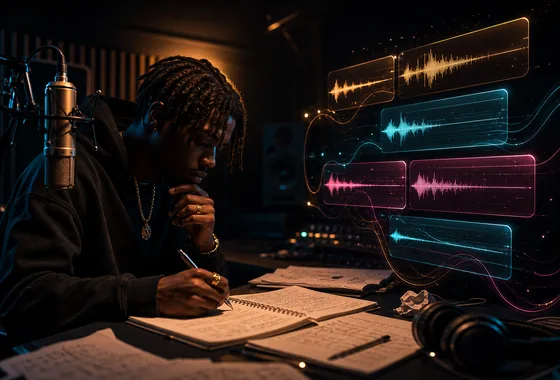
Enter a topic, emotion, character, or scene and generate rap lyrics that give you a usable writing direction.
Turn a topic, mood, or story into rap lyrics with stronger bars, cleaner structure, and ideas you can shape into a full track.


 Followers
 App Ratings
 Creators
Enter a topic, emotion, character, or scene and generate rap lyrics that give you a usable writing direction.
Create chorus ideas, verse drafts, intros, bridges, and alternate lines for different parts of a rap song.
Ask for melodic, punchy, fast, laid-back, or storytelling flows so the lyrics are easier to adapt to a beat.
Get rhyme patterns, internal rhymes, and cadence-friendly phrasing when you need more momentum in a verse.
Try different tones, subjects, hooks, or song structures until the rap lyrics feel closer to your voice.
Move from lyric draft to full song creation with VibeMe AI Song when you are ready to hear the idea.
Write a prompt with your topic, mood, story, beat style, perspective, or the message you want the rap to carry.
Ask for a hook, verse, bridge, full song draft, freestyle starter, or alternate lines in the tone you want.
Create a first draft with rap lines, rhyme ideas, and structure that you can edit into your own voice.
Adjust the tone, cadence, rhyme density, and hook direction until the lyrics fit your beat or song concept.

Turn rap lyrics into original songs and demos.
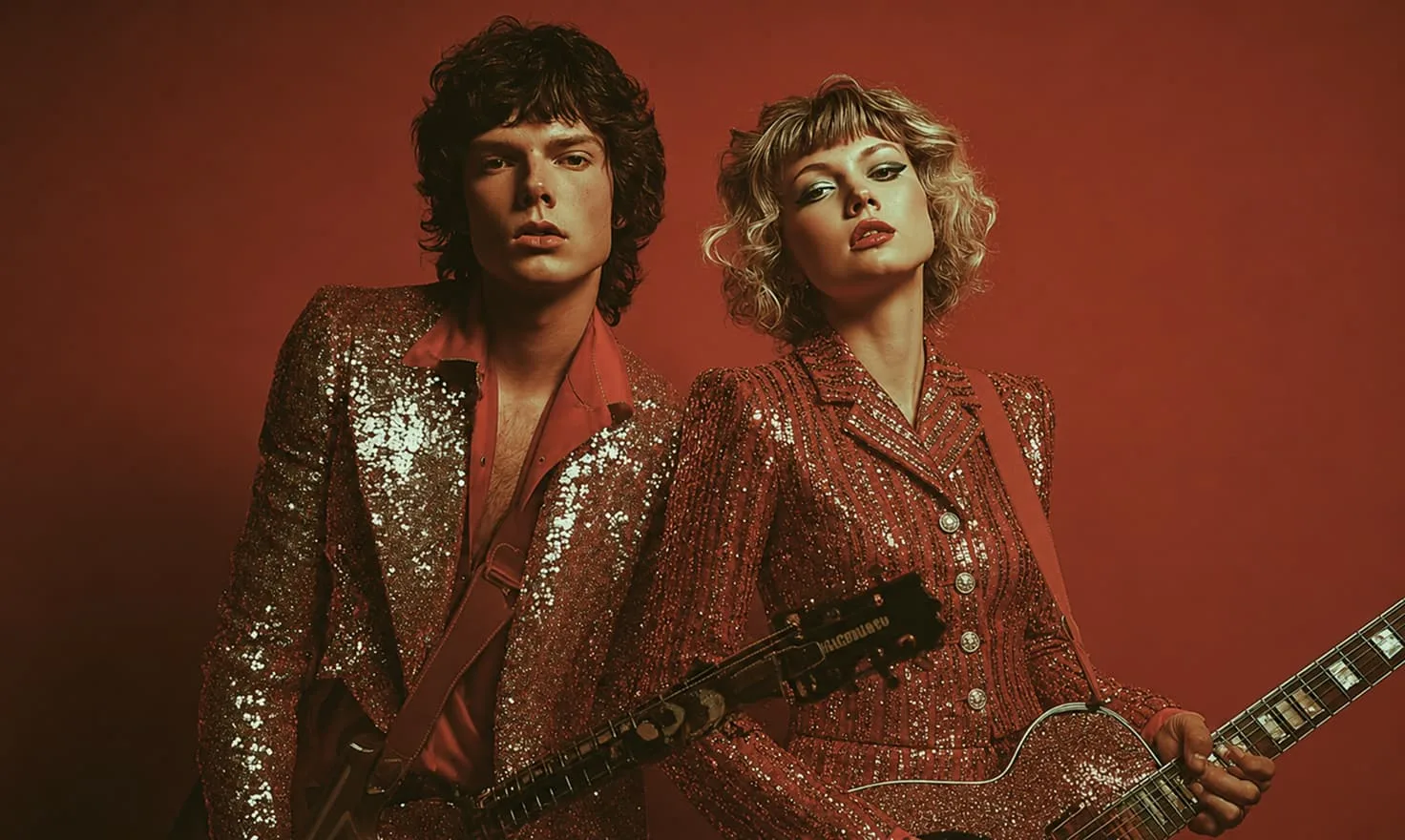
Create visuals for rap tracks and lyric-driven releases.
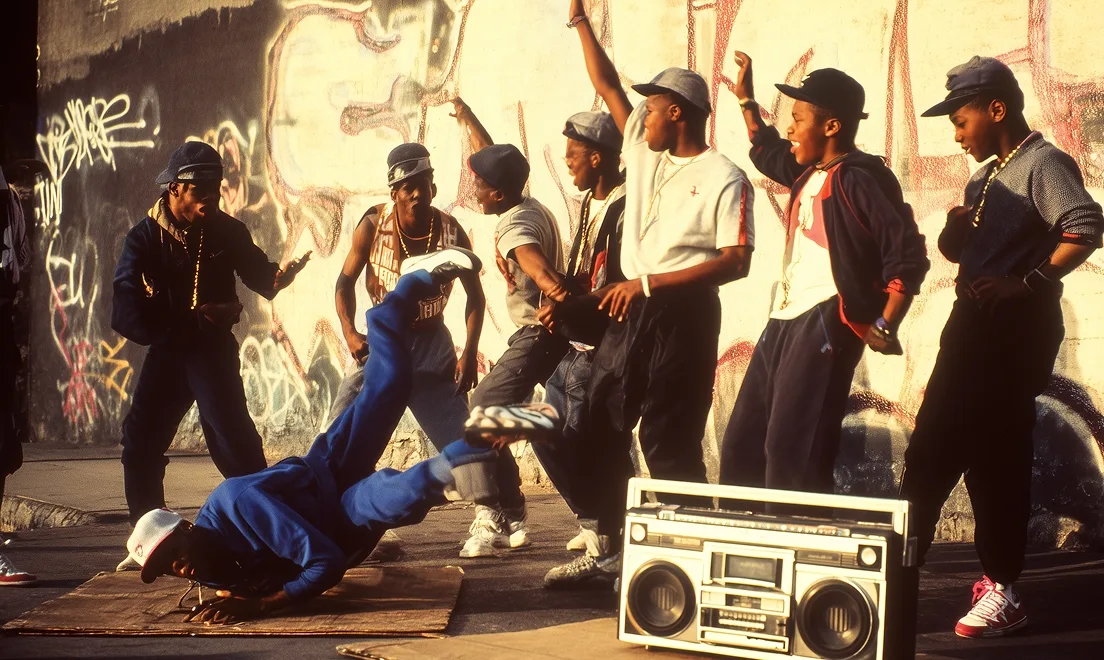
Plan scenes around the story in your rap lyrics.

Generate cover art and visual references for your song.

Make short clips for rap lyrics, hooks, and releases.
“I use it when I need hook options fast. It gives me enough structure to start writing without losing my own style.”
“The prompt workflow helps me test different verse angles before I record a demo. It is quick and surprisingly useful.”
“We use VibeMe AI for social hooks and release ideas. It speeds up the early writing stage a lot.”
“When I am stuck on a second verse, I can generate a few directions and pick the one that matches the beat.”
“The hook drafts are strong enough to spark a session, and I can rewrite them into my own cadence quickly.”
“I like using it before studio time. It helps me walk in with three or four angles instead of one unfinished idea.”
“For short-form content, the generated chorus ideas save me a lot of blank-page time.”
“I can ask for cleaner bars, more internal rhyme, or a different mood and keep the writing moving.”
“The lyrics feel like useful drafts, not finished commands. That makes it easy to keep my own voice in the song.”
“It is helpful for building a hook around a beat when I only have a mood and a few keywords.”
“I use it when I need hook options fast. It gives me enough structure to start writing without losing my own style.”
“The prompt workflow helps me test different verse angles before I record a demo. It is quick and surprisingly useful.”
“We use VibeMe AI for social hooks and release ideas. It speeds up the early writing stage a lot.”
“When I am stuck on a second verse, I can generate a few directions and pick the one that matches the beat.”
“The hook drafts are strong enough to spark a session, and I can rewrite them into my own cadence quickly.”
“I like using it before studio time. It helps me walk in with three or four angles instead of one unfinished idea.”
“For short-form content, the generated chorus ideas save me a lot of blank-page time.”
“I can ask for cleaner bars, more internal rhyme, or a different mood and keep the writing moving.”
“The lyrics feel like useful drafts, not finished commands. That makes it easy to keep my own voice in the song.”
“It is helpful for building a hook around a beat when I only have a mood and a few keywords.”
“I use it to sketch alternate flows. Sometimes one generated line unlocks the whole verse.”
“Our team uses it for campaign songs and creator demos. The first draft comes together much faster.”
“The prompt examples helped me describe the exact energy I wanted: confident, fast, but still clean.”
“I made three hook directions for the same topic and picked the one that matched my delivery best.”
“It is especially useful when I need a verse outline before I start editing line by line.”
“The freestyle starters are a good warmup. They help me find momentum before I write the real take.”
“I use it to turn a rough story into sections: intro, hook, verse, and bridge. That structure helps a lot.”
“It gives me fast options when a client wants a different tone without restarting the whole song.”
“The melodic rap prompts are great when I want something emotional but still rhythmic.”
“I can move from lyric idea to AI Song in the same workspace, which keeps the creative flow simple.”
“I use it to sketch alternate flows. Sometimes one generated line unlocks the whole verse.”
“Our team uses it for campaign songs and creator demos. The first draft comes together much faster.”
“The prompt examples helped me describe the exact energy I wanted: confident, fast, but still clean.”
“I made three hook directions for the same topic and picked the one that matched my delivery best.”
“It is especially useful when I need a verse outline before I start editing line by line.”
“The freestyle starters are a good warmup. They help me find momentum before I write the real take.”
“I use it to turn a rough story into sections: intro, hook, verse, and bridge. That structure helps a lot.”
“It gives me fast options when a client wants a different tone without restarting the whole song.”
“The melodic rap prompts are great when I want something emotional but still rhythmic.”
“I can move from lyric idea to AI Song in the same workspace, which keeps the creative flow simple.”
A rap song lyrics generator uses AI to create rap lyrics from a prompt. You can ask for hooks, verses, rhyme ideas, full song drafts, or different flow directions.
Enter a topic, mood, story, beat style, or phrase you want to build around. VibeMe AI can generate rap lyrics that you can edit, refine, and turn into a song.
Yes. You can prompt VibeMe AI for catchy rap hooks, chorus ideas, alternate hook lines, or a hook that matches a specific mood or song concept.
Yes. You can generate verse drafts, storytelling verses, punchline-heavy verses, melodic rap lines, or alternate verse directions.
Yes. Add style notes such as melodic, confident, emotional, fast, laid-back, aggressive, playful, or storytelling to guide the generated lyrics.
Yes. After generating lyrics, you can use VibeMe AI Song to create music around the idea and continue refining the track.
VibeMe AI offers a free trial so you can test core features before upgrading. Premium plans unlock more generation capacity and advanced tools.
Email support@vibemeai.net and our team will help with product questions, billing, and workflow guidance.
Generate a song, animate a photo, or turn a prompt into a complete music video for your next post.