

Upload-first music to video AI
Bring your audio file into the tool before writing the visual brief, so the result starts from the song instead of from a generic text prompt.
Upload an MP3, song, beat, voice memo, or finished master and turn the sound into motion. VibeMe helps creators use audio to video AI for animated music visuals, social clips, and release teasers.
Generate Video From Audio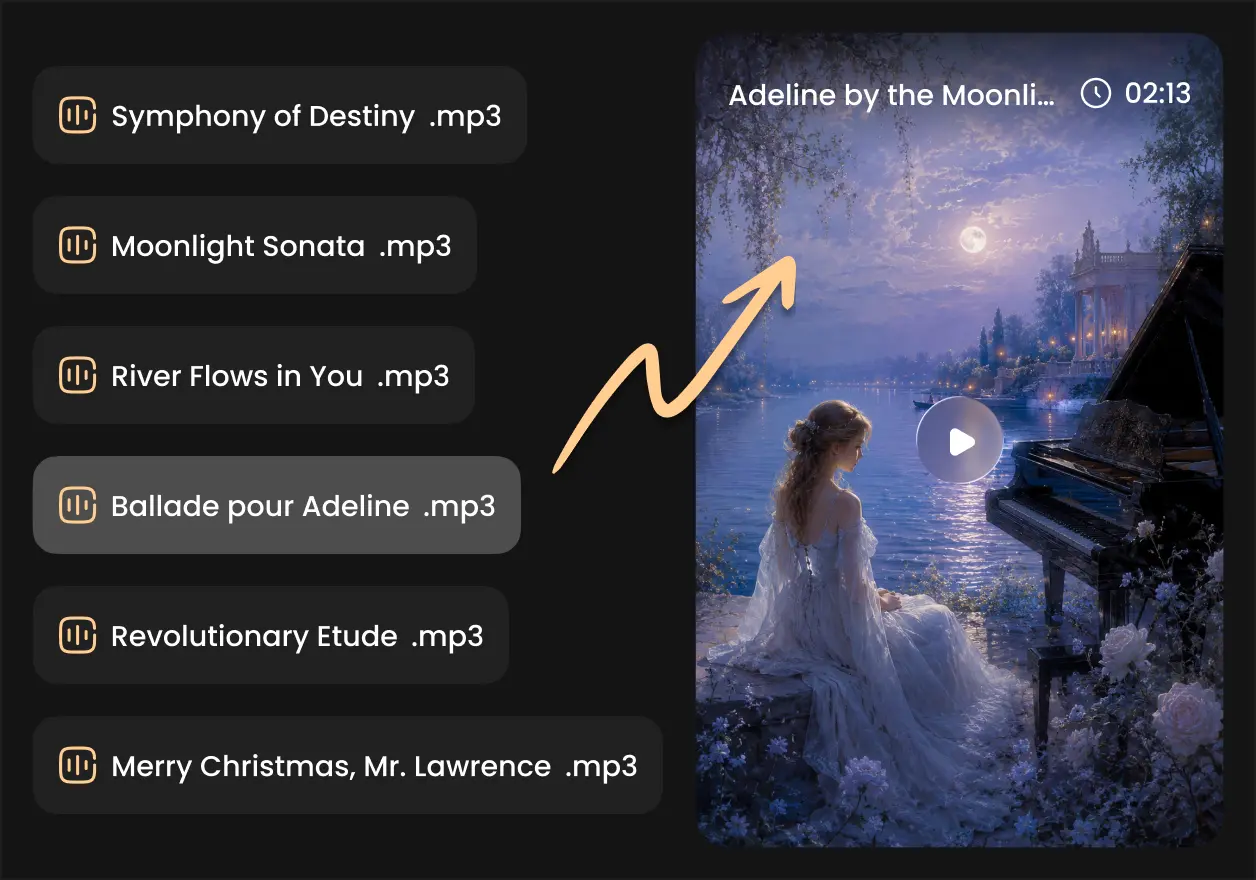


 Followers
 App Ratings
 Creators
Bring your audio file into the tool before writing the visual brief, so the result starts from the song instead of from a generic text prompt.
Guide the video with genre, mood, pacing, character notes, scene ideas, color, and camera movement for a more intentional music visual.
Use VibeMe as an AI video generator from audio for beats, singles, chorus previews, voice-led clips, and music marketing content.
Create animated loops, surreal performance scenes, abstract rhythm visuals, lyric-adjacent backgrounds, and AI art music video ideas.
Try multiple visual directions for the same audio before choosing the style that fits your campaign, channel, or release moment.
Move from upload to storyboard and generation in one studio, with pricing options for creators who need more exports and watermark controls.
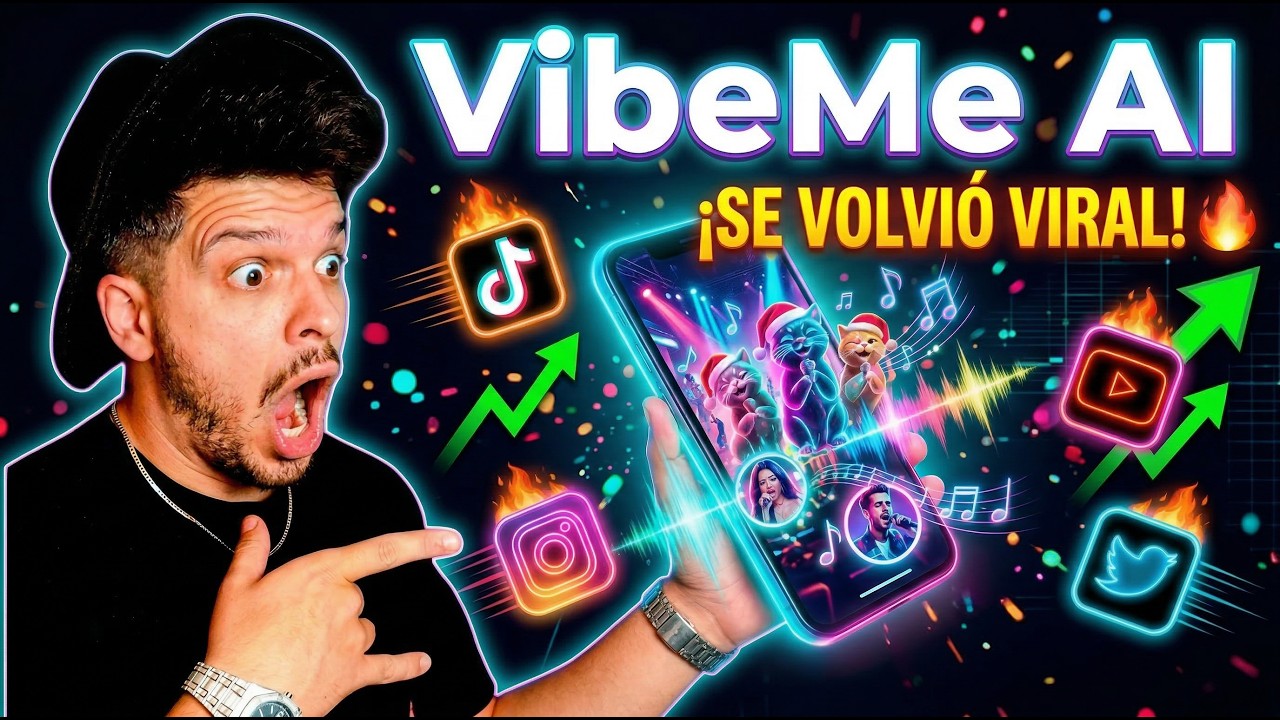
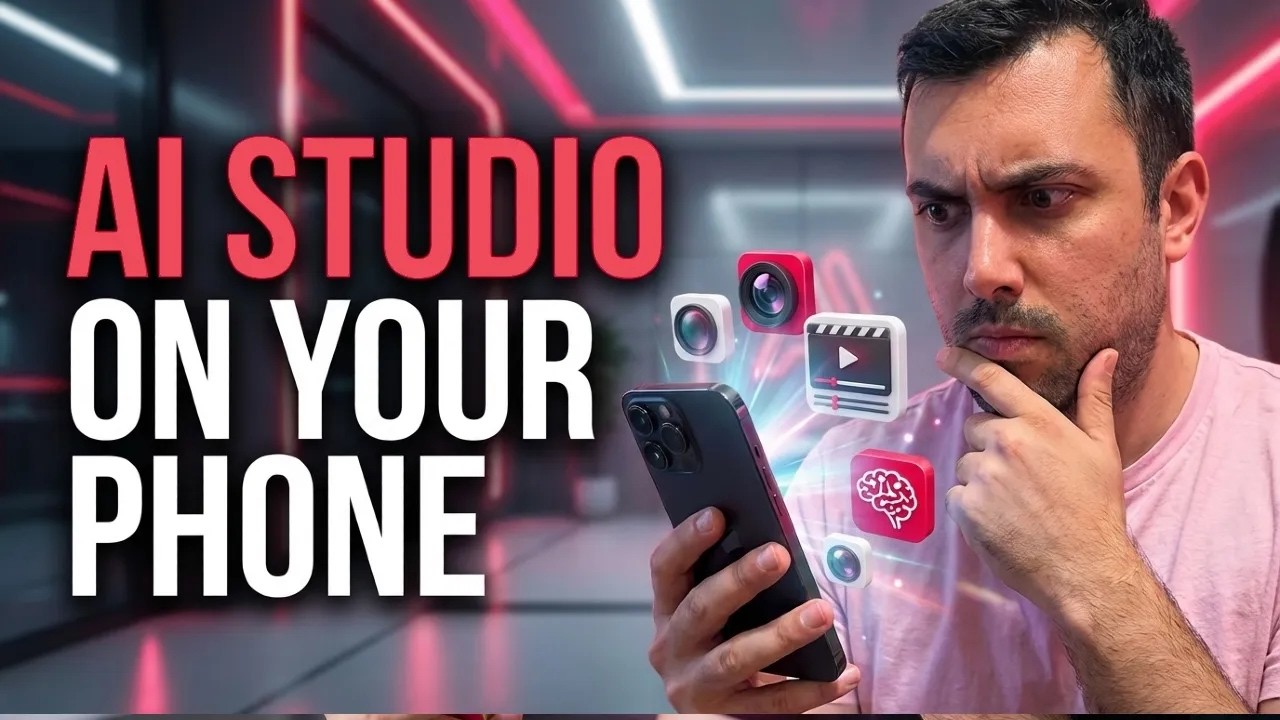
Show social media proof, high-performing videos, and creator examples made with VibeMe's AI music video workflow.

Add an MP3, WAV, M4A, or video file with usable audio. VibeMe reads the source so your AI video from audio starts with the track you care about.
Write a short creative note for style, emotion, setting, characters, animation, or camera movement. The description is optional, but it helps the audio to video converter AI follow your taste.
Create the video, refine the direction, and export clips for social posts, YouTube uploads, release pages, or fan campaigns.
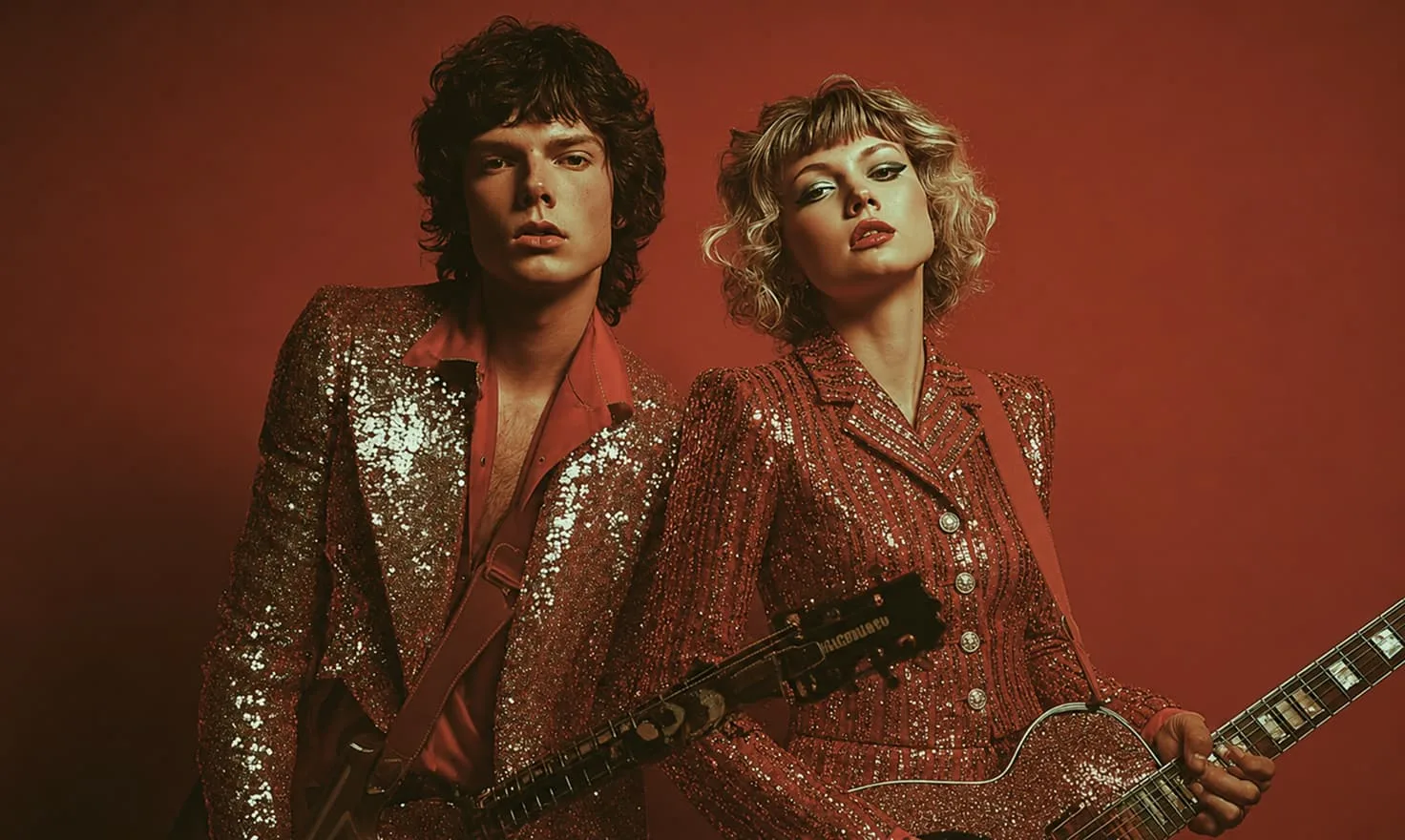
Create performance-style and animated visuals from your song.
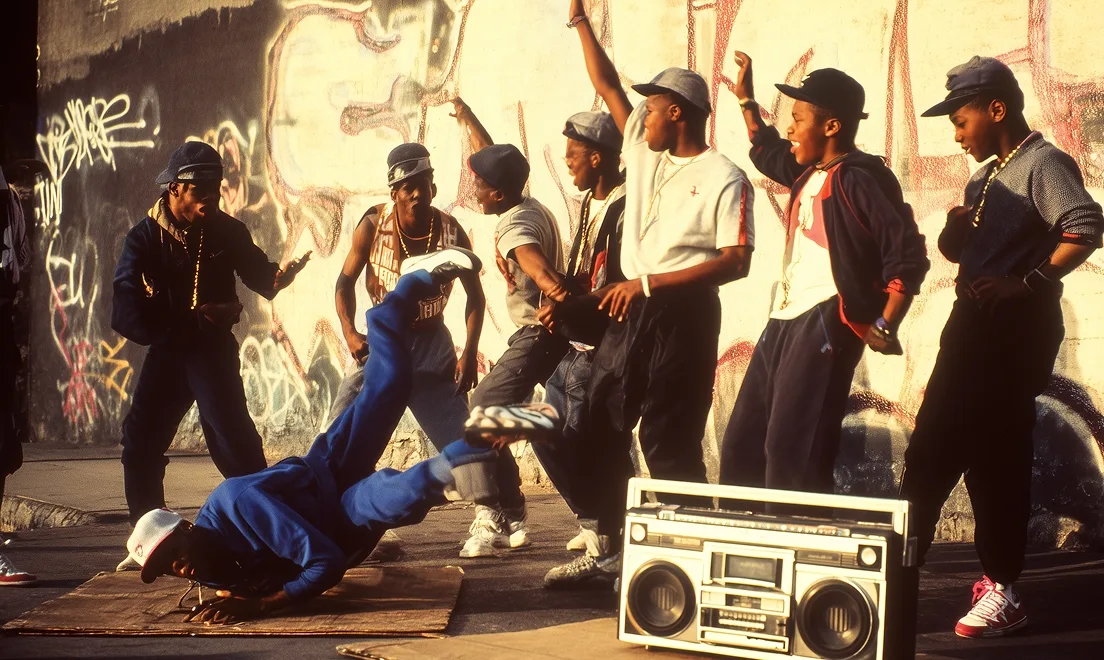
Plan your audio-driven video scene by scene.

Generate standalone video clips from text or references.
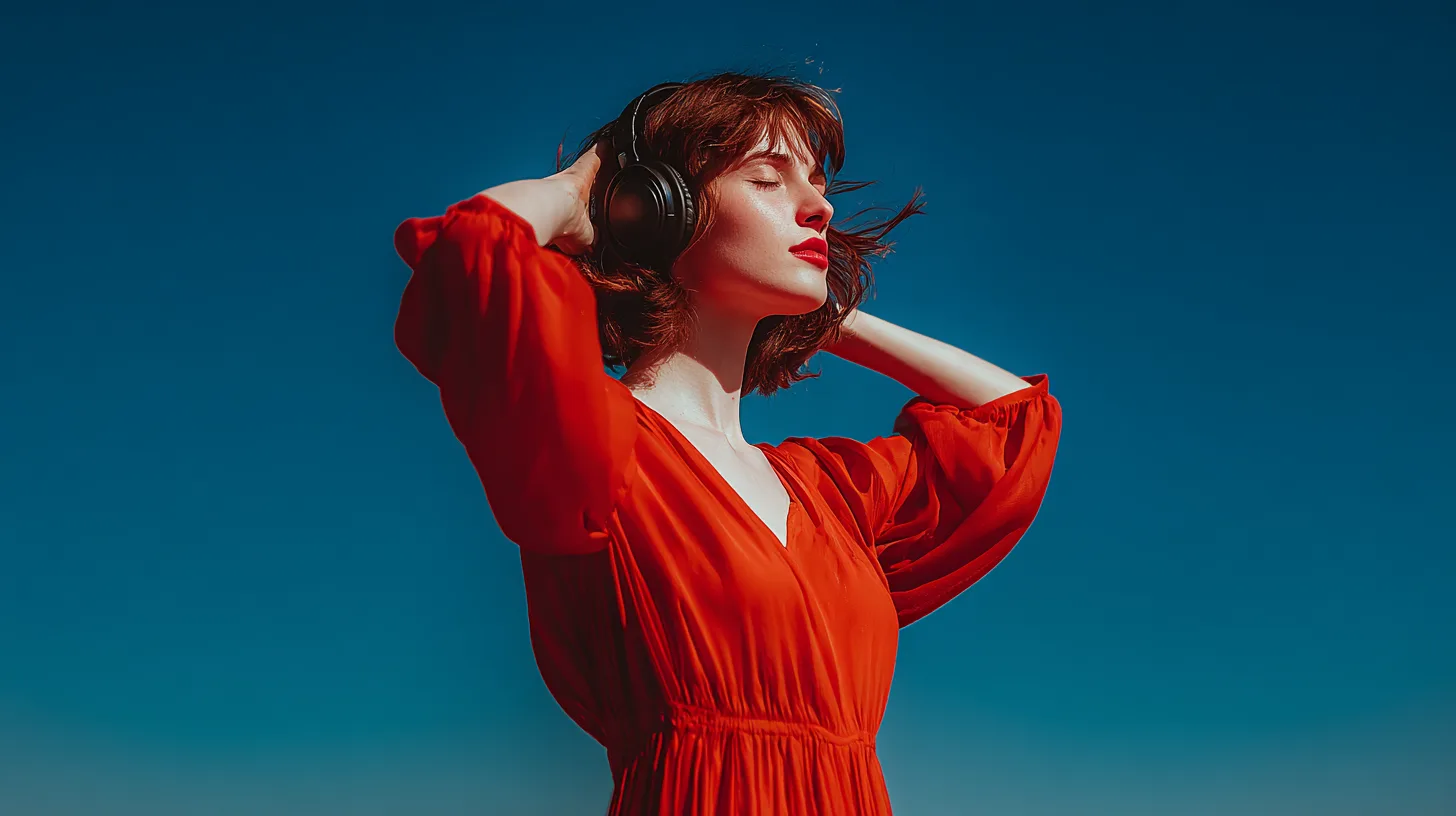
Create music ideas, then turn the finished audio into video.

Generate cover art, references, and style frames.
Get 10% Extra on Credits Packs
“I had a beat loop sitting around for months. Uploading it into VibeMe gave me a visual direction I could post the same afternoon.”
“The audio-first flow feels different from a normal text-to-video tool. I can start with the song and then shape the camera language around it.”
“I use it for quick chorus teasers. One MP3 becomes several video directions for TikTok, Shorts, and release posts.”
“VibeMe is helpful when a client sends audio but has no footage. I can propose a song to video AI concept before the campaign stalls.”
“The prompt details matter. I can ask for soft animation, neon movement, or abstract visuals and keep exploring from the same audio.”
“I had a beat loop sitting around for months. Uploading it into VibeMe gave me a visual direction I could post the same afternoon.”
“The audio-first flow feels different from a normal text-to-video tool. I can start with the song and then shape the camera language around it.”
“I use it for quick chorus teasers. One MP3 becomes several video directions for TikTok, Shorts, and release posts.”
“VibeMe is helpful when a client sends audio but has no footage. I can propose a song to video AI concept before the campaign stalls.”
“The prompt details matter. I can ask for soft animation, neon movement, or abstract visuals and keep exploring from the same audio.”
“I had a beat loop sitting around for months. Uploading it into VibeMe gave me a visual direction I could post the same afternoon.”
“The audio-first flow feels different from a normal text-to-video tool. I can start with the song and then shape the camera language around it.”
“I use it for quick chorus teasers. One MP3 becomes several video directions for TikTok, Shorts, and release posts.”
“VibeMe is helpful when a client sends audio but has no footage. I can propose a song to video AI concept before the campaign stalls.”
“The prompt details matter. I can ask for soft animation, neon movement, or abstract visuals and keep exploring from the same audio.”
“I had a beat loop sitting around for months. Uploading it into VibeMe gave me a visual direction I could post the same afternoon.”
“The audio-first flow feels different from a normal text-to-video tool. I can start with the song and then shape the camera language around it.”
“I use it for quick chorus teasers. One MP3 becomes several video directions for TikTok, Shorts, and release posts.”
“VibeMe is helpful when a client sends audio but has no footage. I can propose a song to video AI concept before the campaign stalls.”
“The prompt details matter. I can ask for soft animation, neon movement, or abstract visuals and keep exploring from the same audio.”
“For unreleased demos, it gives me a fast way to test whether the track wants a cinematic, animated, or social-first visual world.”
“I stopped searching for random background clips. The tool gives me video ideas that feel tied to the mood of the track.”
“Our label uses VibeMe to mock up audio-driven visuals before choosing which songs need a larger production budget.”
“It is simple enough for daily content, but the results still feel more personal than a generic visualizer.”
“I uploaded a rough voice memo and generated a moody animated direction that helped me pitch the final song treatment.”
“For unreleased demos, it gives me a fast way to test whether the track wants a cinematic, animated, or social-first visual world.”
“I stopped searching for random background clips. The tool gives me video ideas that feel tied to the mood of the track.”
“Our label uses VibeMe to mock up audio-driven visuals before choosing which songs need a larger production budget.”
“It is simple enough for daily content, but the results still feel more personal than a generic visualizer.”
“I uploaded a rough voice memo and generated a moody animated direction that helped me pitch the final song treatment.”
“For unreleased demos, it gives me a fast way to test whether the track wants a cinematic, animated, or social-first visual world.”
“I stopped searching for random background clips. The tool gives me video ideas that feel tied to the mood of the track.”
“Our label uses VibeMe to mock up audio-driven visuals before choosing which songs need a larger production budget.”
“It is simple enough for daily content, but the results still feel more personal than a generic visualizer.”
“I uploaded a rough voice memo and generated a moody animated direction that helped me pitch the final song treatment.”
“For unreleased demos, it gives me a fast way to test whether the track wants a cinematic, animated, or social-first visual world.”
“I stopped searching for random background clips. The tool gives me video ideas that feel tied to the mood of the track.”
“Our label uses VibeMe to mock up audio-driven visuals before choosing which songs need a larger production budget.”
“It is simple enough for daily content, but the results still feel more personal than a generic visualizer.”
“I uploaded a rough voice memo and generated a moody animated direction that helped me pitch the final song treatment.”
Audio to video AI turns an uploaded audio file into video visuals with help from a prompt. VibeMe lets you upload music, describe the style, and generate visual scenes for social clips, teasers, and music videos.
You upload a song or audio clip, add optional creative direction, and generate video scenes around the track. It is useful when you want music to video AI without manually editing footage to match the sound.
Yes. VibeMe supports common audio formats such as MP3, WAV, and M4A, making it practical for producers, artists, and marketers who want to turn an audio file into a visual asset.
VibeMe offers a free trial so you can test the audio upload and visual generation workflow online. Plan details determine generation capacity, export quality, and watermark options.
You can test ideas with free access, while clean export and watermark availability depend on the current plan. Check pricing before publishing if watermark-free delivery is important.
Yes. You can describe animated characters, abstract motion, cinematic environments, performance shots, or visualizer-style scenes to create an AI animated music video from your audio.
Yes. VibeMe works as an AI video generator from music and an AI audio to video generator for creators who want visuals based on a track, beat, demo, or finished song.
Email support@vibemeai.net and our team will help with product questions, billing, and workflow guidance.
Generate a song, animate a photo, or turn a prompt into a complete music video for your next post.
 680K views