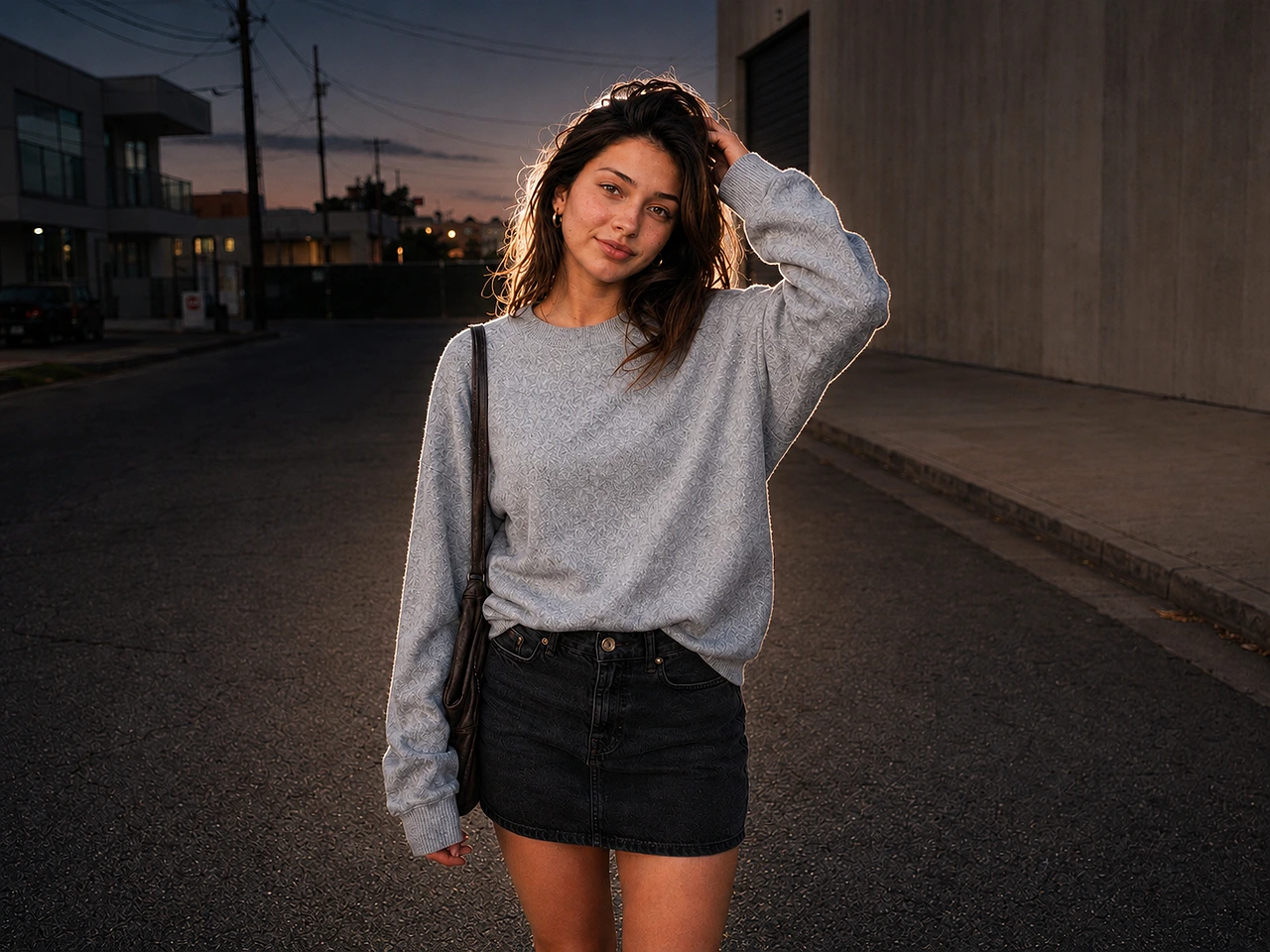
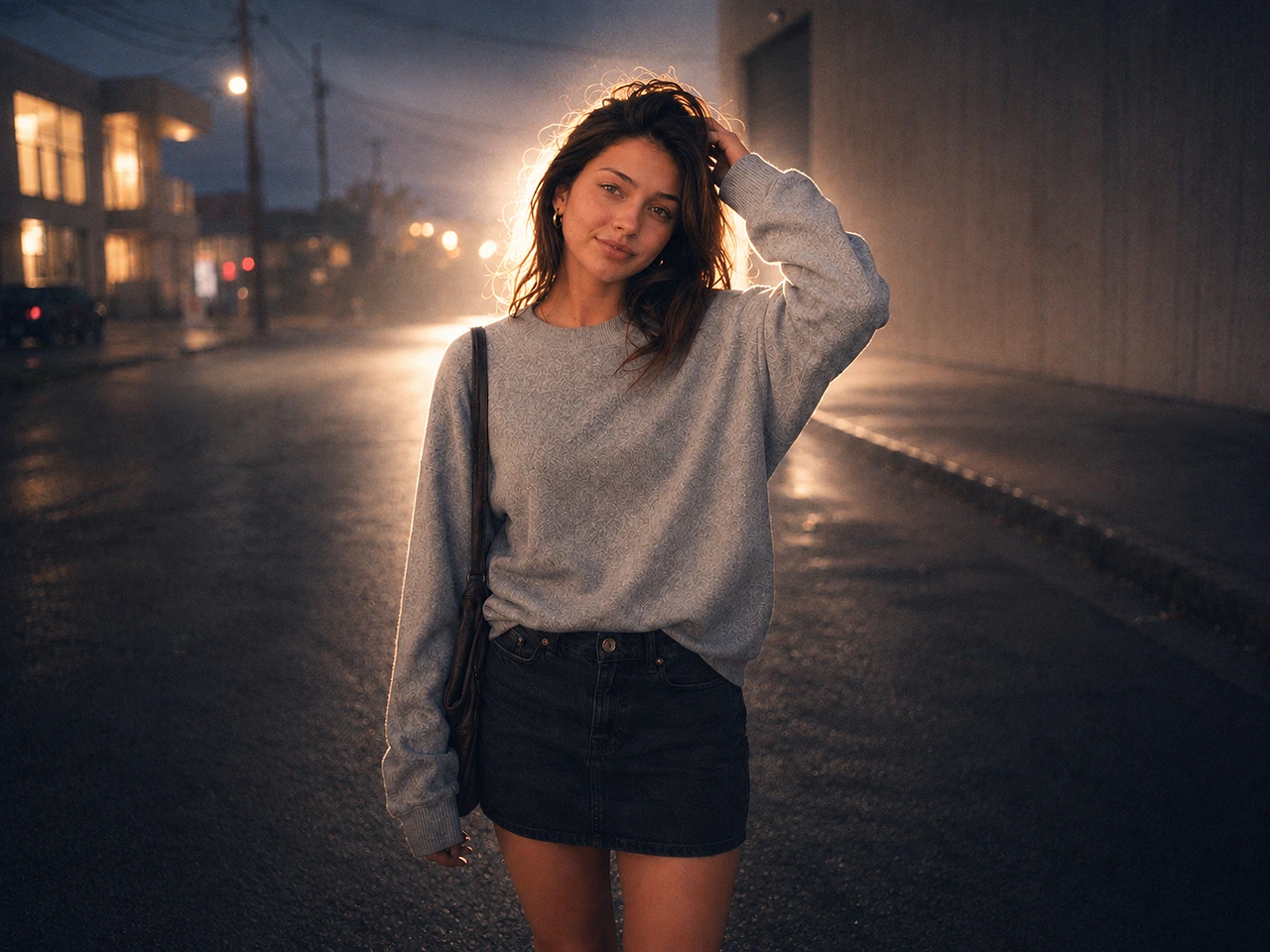
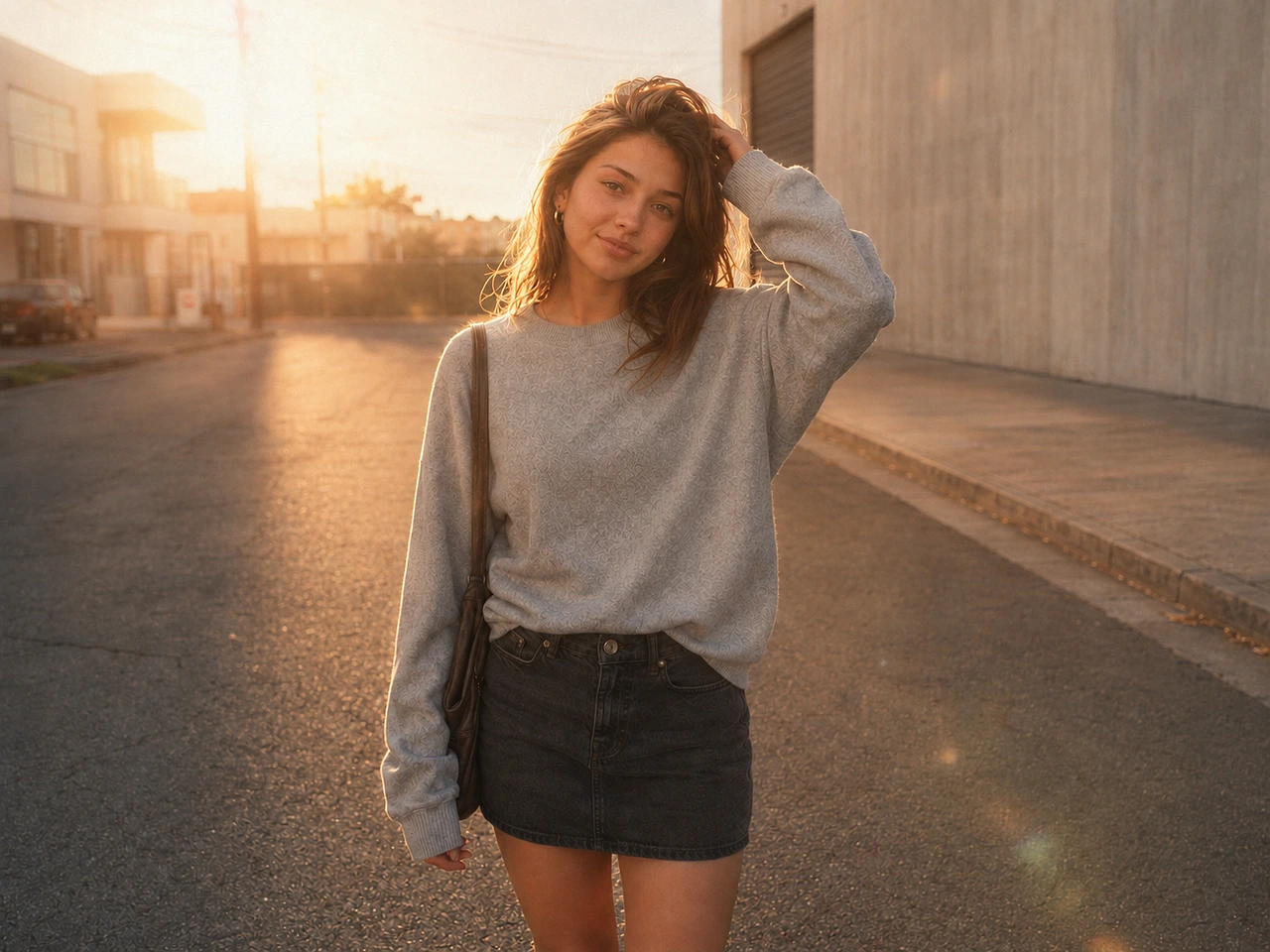
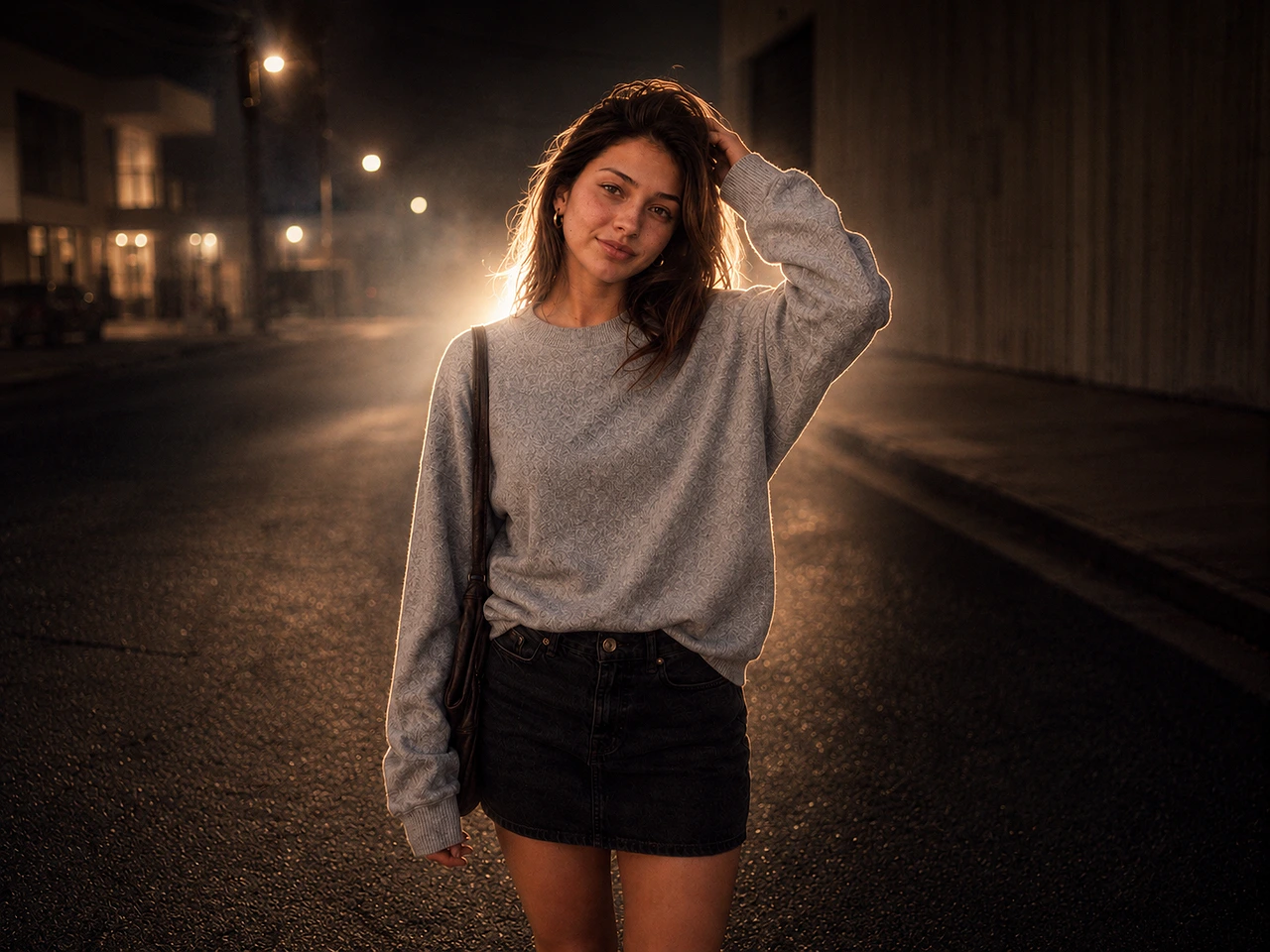
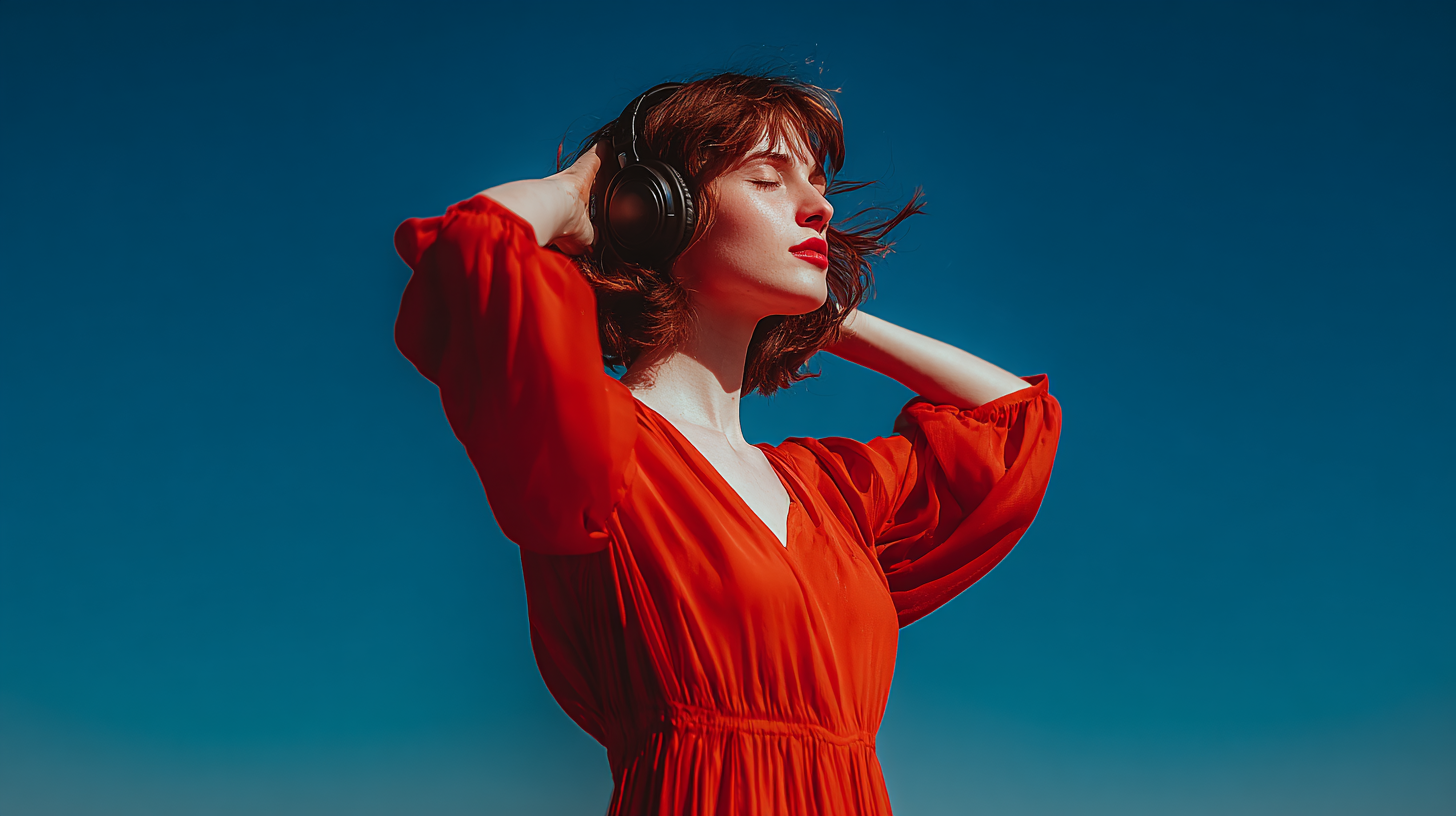
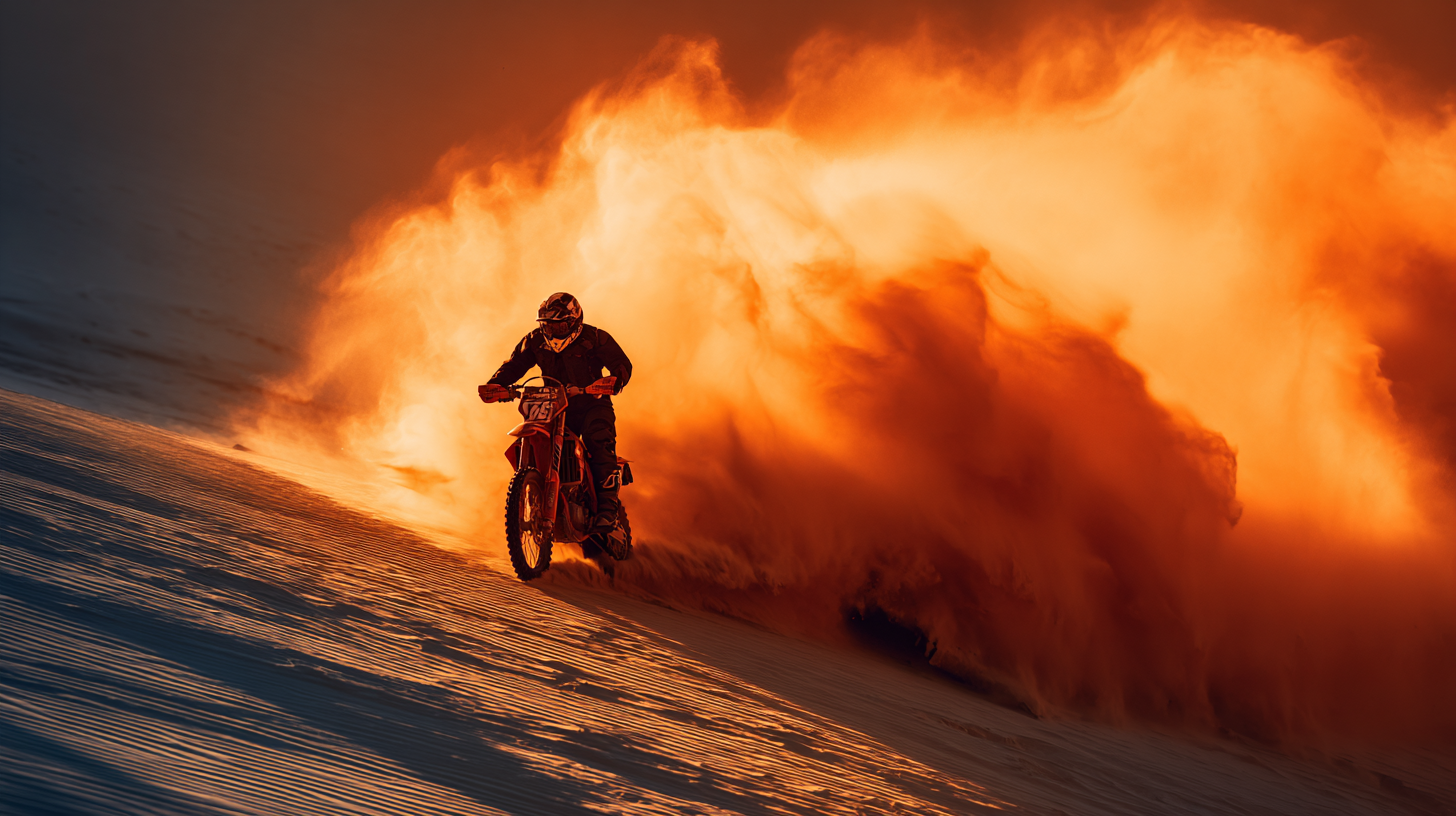
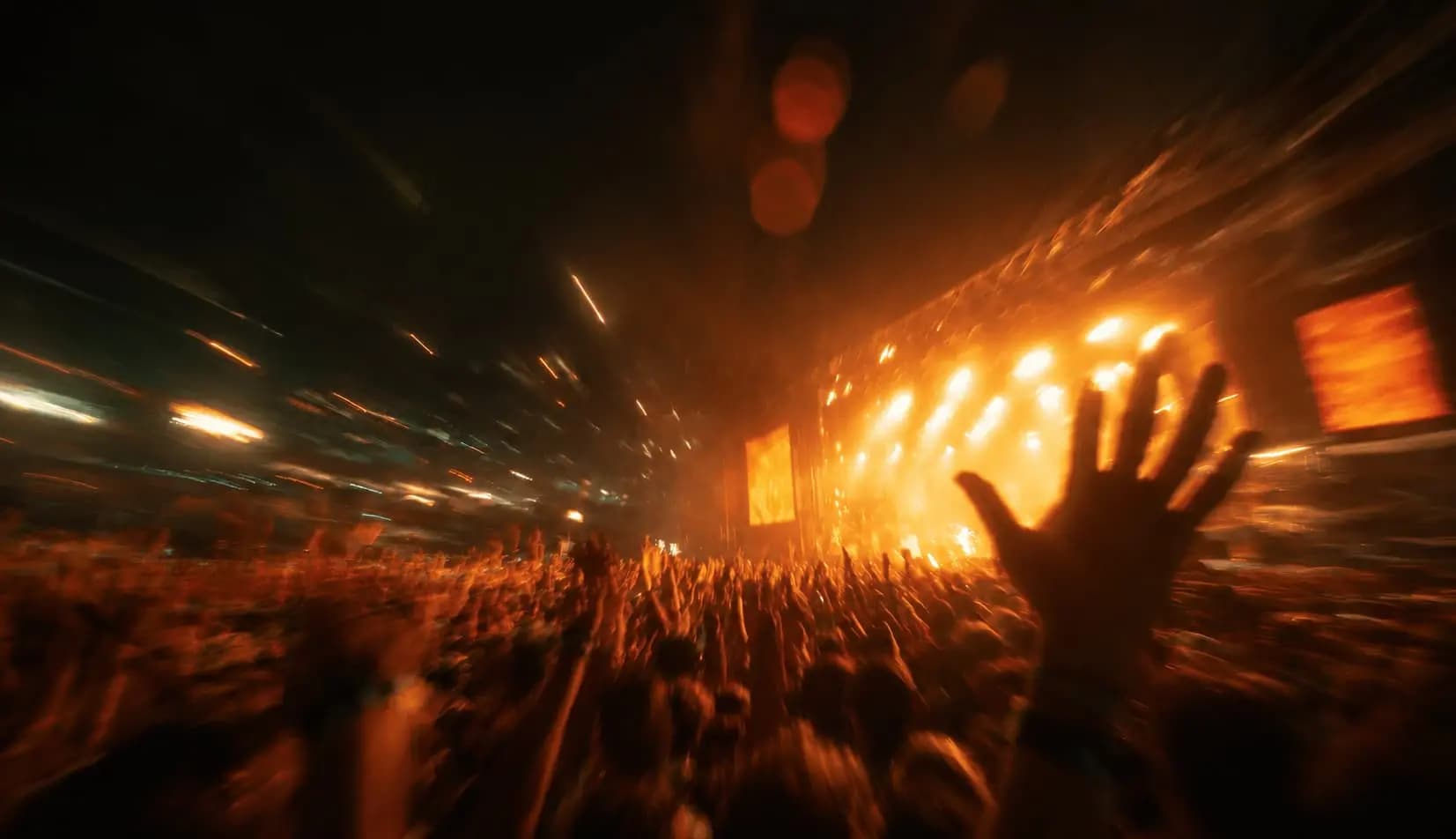
Apply viral lofi dusk filter prompts online for free on VibeMe AI. Transform your portraits or selfies into cinematic images with soft flash, bokeh, grain, and moody background blur in one click. Perfect for sharing vintage AI masterpieces on Instagram, TikTok, and beyond.
Viral lofi dusk trendPopular on Instagram
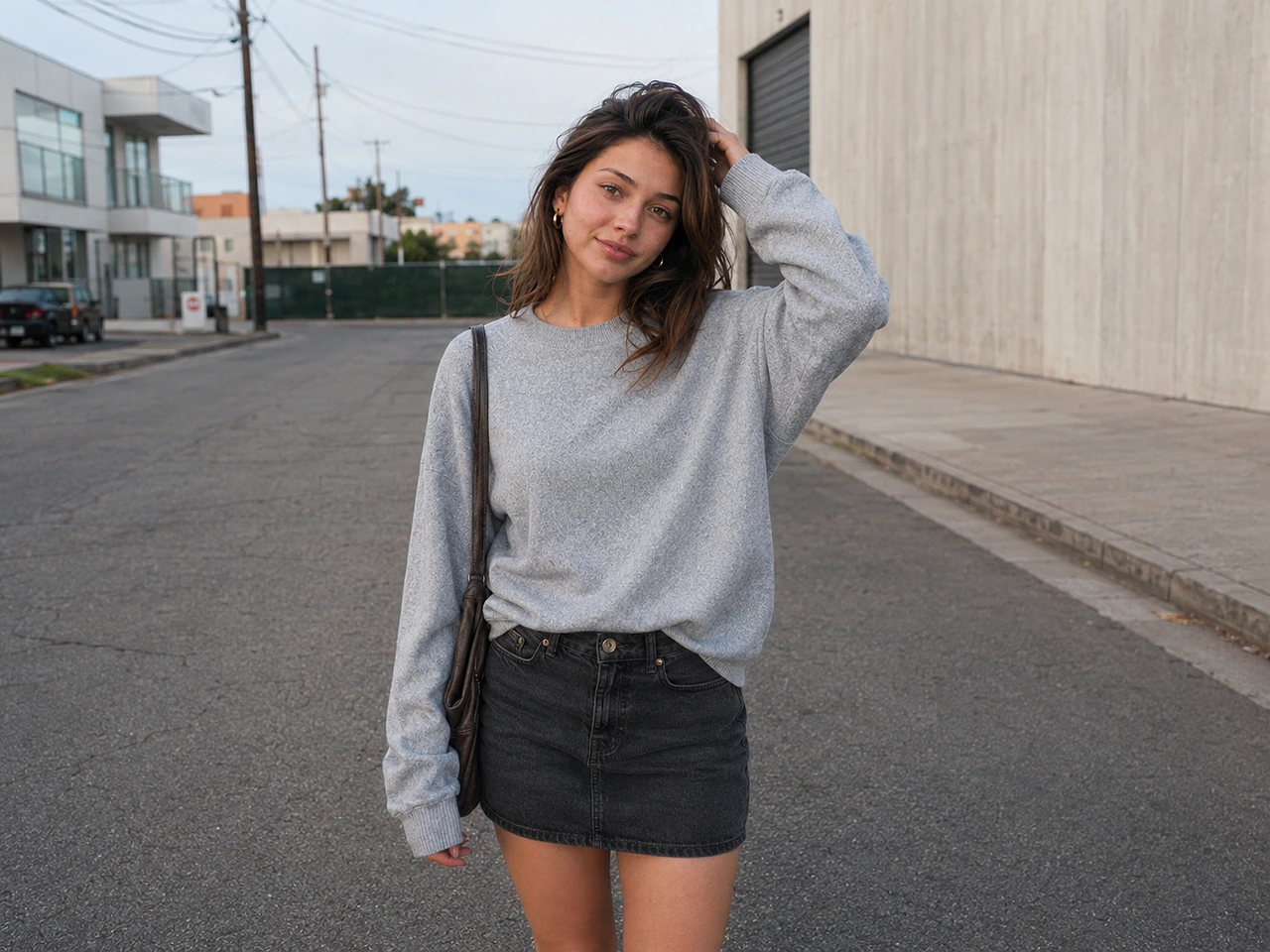
Before
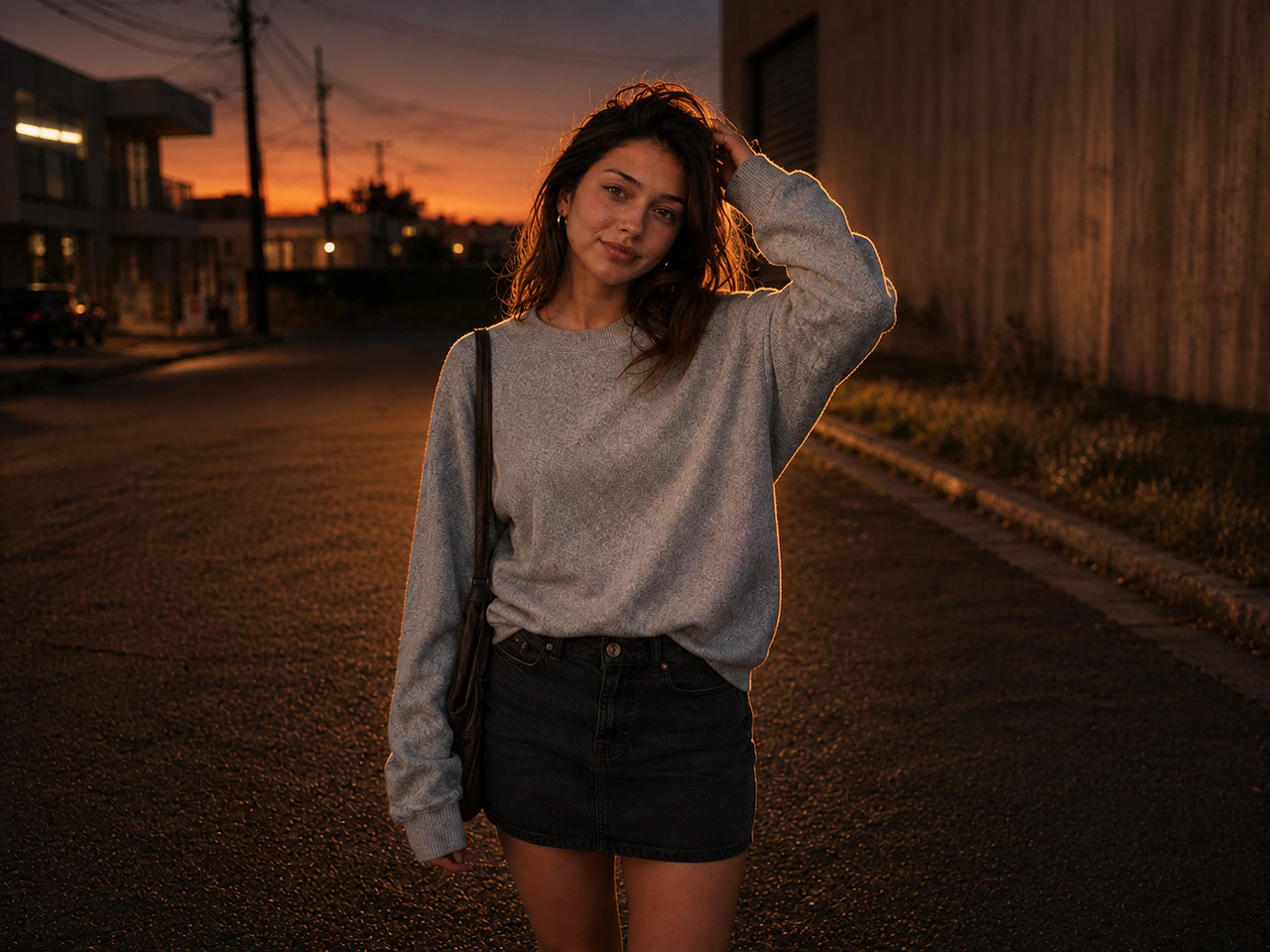
After
Why Choose VibeMe AI's Lofi Dusk Filter?
300K+
Followers
4.8/5
App Ratings
100K+
Creators
Discover Cinematic Lofi Dusk Prompts and Effects
VibeMe Web Studio offers curated lofi dusk AI styles for Gemini or ChatGPT, helping you create moody, vintage portraits for your next AI masterpiece.
Amber Afterglow Lofi Dusk Portrait
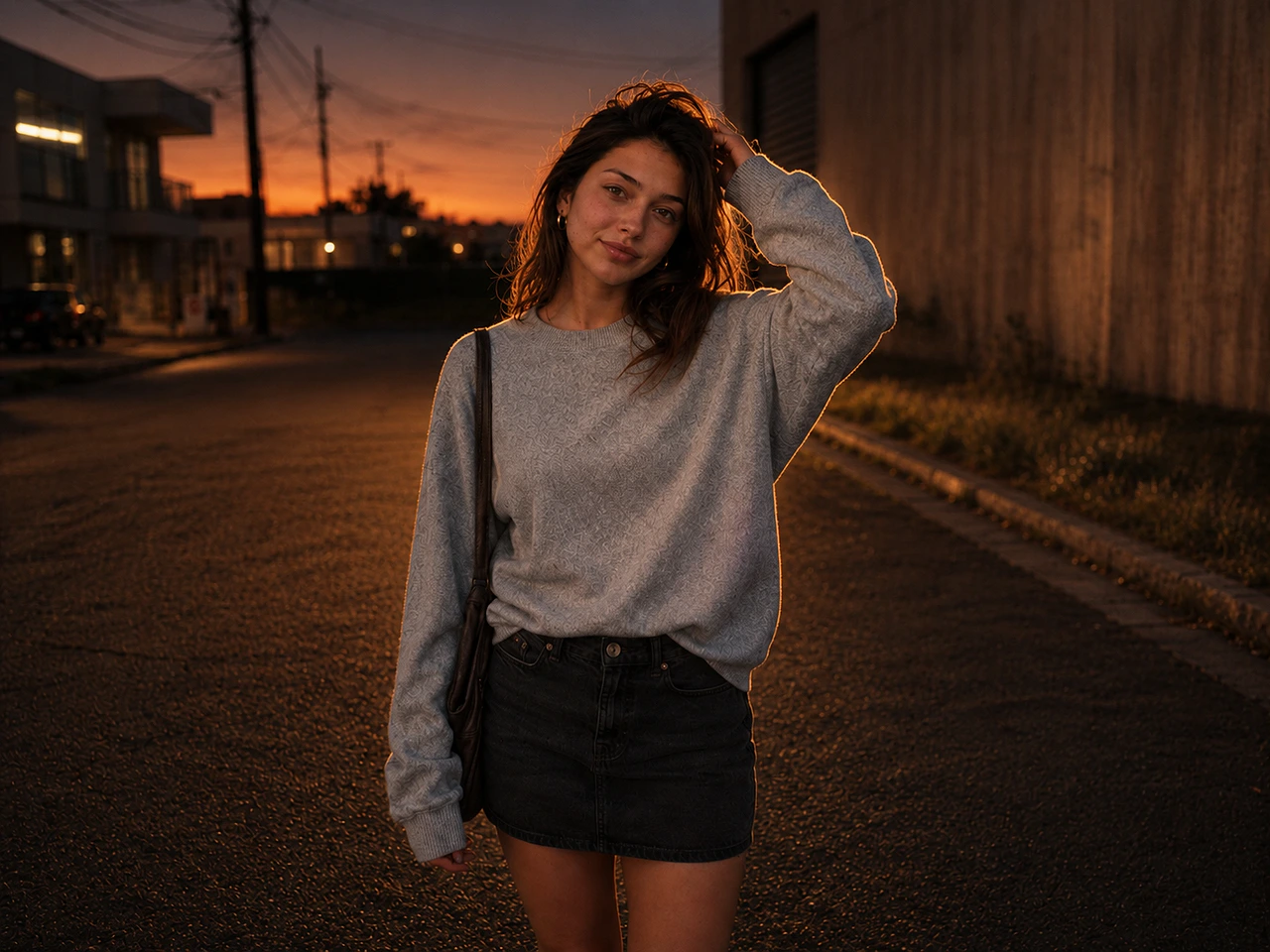
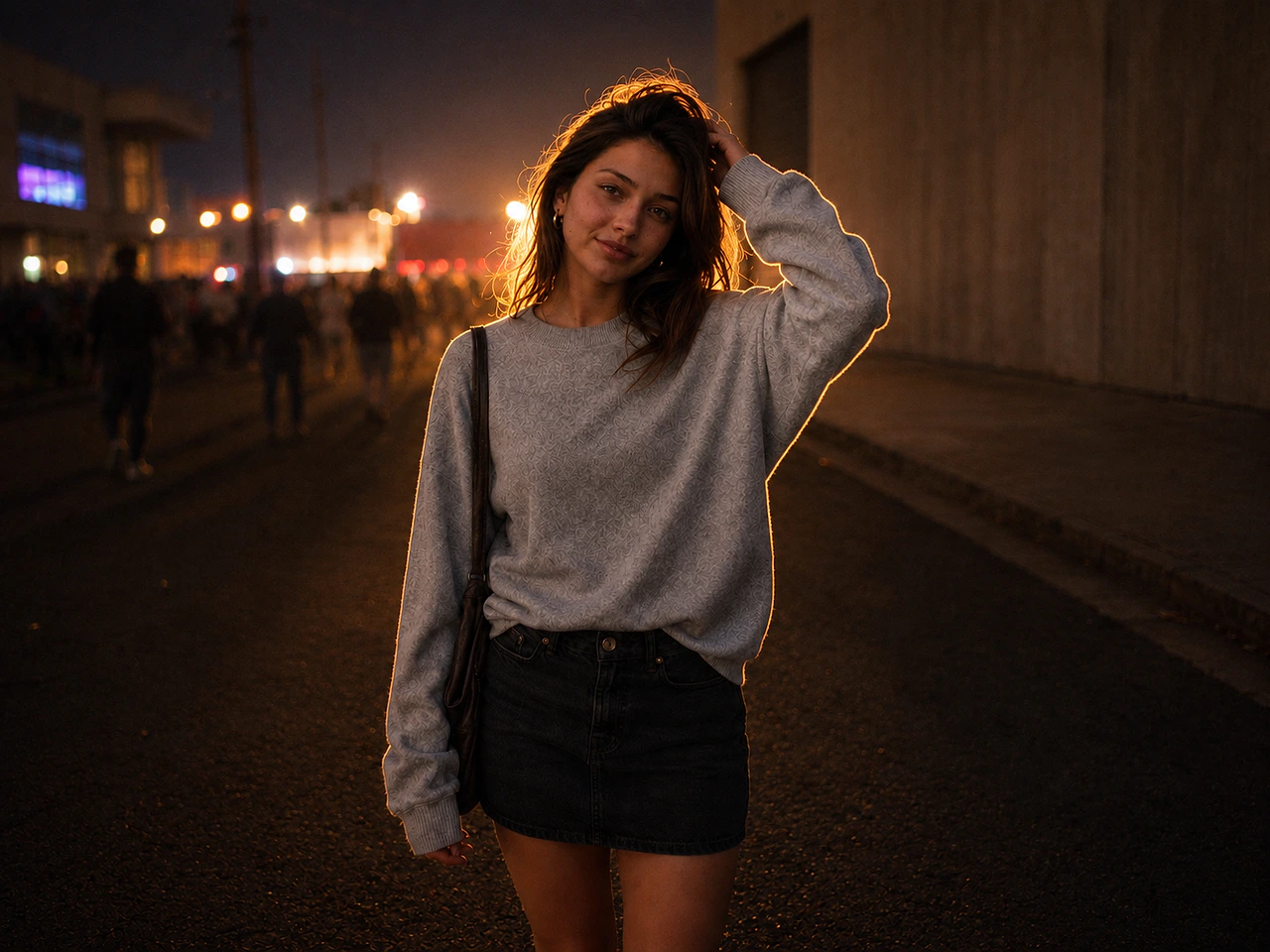
Maintain the exact subject identity, face, body shape, pose, outfit, and original composition. Transform the image into a dark, moody lofi dusk portrait with subtle grass texture in the background. Add strong warm amber backlight, golden rim light tracing the hair and body edges, DSLR flash photography, shallow depth of field, soft light spill, natural detailed skin, realistic highlights, cinematic shadows, soft bloom, premium color grading, Instagram aesthetic, photorealistic 8K quality.
Midnight Flash Lofi Dusk Filter
Keep the exact subject and original composition unchanged. Relight the image only. Create a deep, muted, grainy dusk background that fades darker toward the top. Add a bold night-flash aesthetic with direct front-facing flash, brilliant white rim light, soft front fill, tiny highlights, peachy skin tones, cinematic contrast, and a premium Instagram lofi dusk filter mood.
Cinematic Blue-Hour Lofi Dusk Prompt
Keep the subject and composition fully locked. Create a cinematic lofi dusk night portrait with powerful glowing white backlight, strong rim light on the hair and silhouette, subtle DSLR front flash, warm peach skin tones, soft golden highlights, and slightly overexposed glow. Use a deep charcoal-blue background, atmospheric haze, soft bokeh lights, fine film grain, low-light sensor noise, muted blacks, soft bloom, dreamy night diffusion, 85mm lens, shallow depth of field, photorealistic 4K editorial look.
Sun-Washed Lofi Dusk Effect
Use the uploaded photo as the base reference and keep the subject unchanged, including facial features, skin texture, body proportions, pose, clothing, and the original setting. Maintain the same composition without altering the person's identity or overall framing. Introduce soft daylight beams falling across the subject, adding luminous highlights to the cheekbones, nose, lips, and individual hair strands. Create a refined contrast between sunlit areas and gentle shadow, giving the image a cinematic yet delicate lofi dusk effect prompt atmosphere. Add subtle haze, soft lens bloom, a faint glow around the face and shoulders, warm peach undertones, backlit flyaway hairs, mild flares, soft bokeh, slightly muted color grading, and light film grain. The final image should feel ethereal, sun-washed, tender, and cinematic, like a quiet moment captured in a daydream.
Editorial Flash Lofi Dusk Portrait
Use the uploaded photo as the base image and keep the person exactly the same, including facial features, skin texture, body proportions, pose, outfit, and surrounding environment. Do not alter the identity, framing, or overall composition. Transform the image into a dark, high-end editorial portrait with a cinematic flash-photography mood and a vintage lofi dusk filter prompt finish. Set the scene in a deep nighttime atmosphere, with an almost black background, subtle smoky haze, and soft out-of-focus lights in the distance. Place a powerful white light behind the subject to create a sharp glowing rim around the hair, shoulders, and body outline. Add a realistic front-camera flash effect, dramatic contrast, warm peach-beige skin tones, soft amber highlights, deep shadow areas, luminous edges, slight highlight overexposure, gentle bloom, halation, atmospheric mist, natural skin reflections, subtle cinematic lens flare, visible grain, mild sensor noise, softened black tones, faded dark colors, slight chromatic softness, and a vintage Instagram-style dusk mood. Keep the depth of field shallow, with blurred background lights and a dreamy night atmosphere. The final result should feel realistic, moody, luxurious, cinematic, refined, and highly detailed, like an 85mm DSLR portrait shot in 4K.
Concert Glow Lofi Dusk Backdrop
Use the uploaded photo as the reference image and keep the subject fully recognizable. Preserve the original face, skin texture, body proportions, pose, outfit, and surrounding scene without changing the identity, facial structure, or composition. The final image should look like the same real person photographed in a professional cinematic setting, not a redesigned or replaced model. Enhance the image with a dramatic night portrait style and a lofi dusk backdrop prompt mood. Add warm light from behind the subject, creating a soft golden rim glow along the hair, shoulders, and body outline. Use moody cinematic lighting, natural skin detail, gentle shadows, shallow depth of field, subtle film grain, and realistic color grading. Keep the subject's posture relaxed and candid, with an authentic, live-captured feeling. Darken the background into an atmospheric nighttime scene with softly blurred crowd silhouettes, distant ambient lights, and a subtle concert or live-event mood. Keep the environment believable and not overly artificial. The result should feel like an ultra-realistic DSLR portrait shot with an 85mm lens: cinematic framing, visible skin pores, high-contrast lighting, premium editorial texture, viral lofi dusk prompt aesthetics, photorealistic detail, and 4K quality.
Built For Viral Lofi Dusk Edits
Soft flash portrait style
Create DSLR-style flash portraits with realistic facial detail, gentle glow, subtle bokeh, and a moody lofi dusk atmosphere.
Gemini and ChatGPT prompt ready
Use complete lofi dusk filter prompt wording for Gemini, ChatGPT, image-to-image workflows, or your VibeMe AI workspace.
Vintage Instagram mood
Guide portraits toward amber rim light, film grain, muted contrast, soft bloom, and the social-ready vintage look creators are chasing.
Backdrop control
Turn plain backgrounds into blue-hour streets, smoky night scenes, grass textures, concert lights, or warm cinematic dusk environments.
Identity preservation
Prompt details help preserve the subject's face, pose, outfit, skin texture, and composition while only changing light and atmosphere.
Image and video expansion
Use a finished lofi dusk image as a starting point for short AI videos, music visuals, profile clips, and creative campaigns.
How to Create Your Viral Lofi Dusk Look
1
Upload your base image
Drag and drop your photo into the VibeMe AI workspace, then browse lofi dusk effect directions that match your vibe.
2
Copy a lofi dusk prompt
Paste your prompt and apply the filter to transform your image with cinematic, moody sunset lighting using Gemini, ChatGPT, or other AI models.
3
Preview, save, and share
Preview your lofi dusk portrait, download it in high quality, and share the vintage AI look on Instagram Reels, TikTok, or your profile.
“The lofi dusk prompt gave my portrait edits that warm Instagram mood without overcooking the face.”
MMina K.Photo Creator
★★★★★
“I copied the prompt, changed the backdrop line, and got a cinematic dusk look in a few tries.”
JJay P.Short-form Creator
★★★★★
“It is useful when I want a Gemini or ChatGPT-style prompt that already describes the light, grain, and mood.”
NNora V.Social Media Editor
★★★★★
“The before and after preview makes the effect easy to explain to clients before we edit their photos.”
AAri S.Creative Freelancer
★★★★★
“The prompt gave my creator portraits a dusk mood that felt cinematic without making the skin look fake.”
LLena C.Portrait Editor
★★★★★
“I used the lofi dusk filter prompt for an Instagram carousel and the warmer color grade tied everything together.”
MMiles T.Instagram Creator
★★★★★
“It is a good starting point when I want moody city light, subtle haze, and a clean editorial look in one prompt.”
SSofia N.Visual Designer
★★★★★
“The copy prompt action saves time. I can paste it into the image workflow and adjust the backdrop line quickly.”
RRowan E.Content Creator
★★★★★
“I like that the prompt mentions realistic skin texture. It keeps the photo from turning into an obvious filter.”
KKim V.Photo Retoucher
★★★★★
“For fashion shots, the lofi dusk wording helps me get amber light, darker shadows, and a stylish city feel.”
TTheo B.Fashion Creator
★★★★★
“The lofi dusk prompt gave my portrait edits that warm Instagram mood without overcooking the face.”
MMina K.Photo Creator
★★★★★
“I copied the prompt, changed the backdrop line, and got a cinematic dusk look in a few tries.”
JJay P.Short-form Creator
★★★★★
“It is useful when I want a Gemini or ChatGPT-style prompt that already describes the light, grain, and mood.”
NNora V.Social Media Editor
★★★★★
“The before and after preview makes the effect easy to explain to clients before we edit their photos.”
AAri S.Creative Freelancer
★★★★★
“The prompt gave my creator portraits a dusk mood that felt cinematic without making the skin look fake.”
LLena C.Portrait Editor
★★★★★
“I used the lofi dusk filter prompt for an Instagram carousel and the warmer color grade tied everything together.”
MMiles T.Instagram Creator
★★★★★
“It is a good starting point when I want moody city light, subtle haze, and a clean editorial look in one prompt.”
SSofia N.Visual Designer
★★★★★
“The copy prompt action saves time. I can paste it into the image workflow and adjust the backdrop line quickly.”
RRowan E.Content Creator
★★★★★
“I like that the prompt mentions realistic skin texture. It keeps the photo from turning into an obvious filter.”
KKim V.Photo Retoucher
★★★★★
“For fashion shots, the lofi dusk wording helps me get amber light, darker shadows, and a stylish city feel.”
TTheo B.Fashion Creator
★★★★★
“I tested it with Gemini-style wording and then refined it in VibeMe. The prompt was detailed enough to start fast.”
HHazel P.AI Image Creator
★★★★★
“The dusk backdrop prompt helped a plain street photo feel more like a planned editorial shoot.”
NNoel D.Street Photographer
★★★★★
“It is useful for profile pictures because the final look feels warm, moody, and still recognizable.”
IIvy M.Creator
★★★★★
“The prompt is specific about rim light and film grain, which gives better results than just asking for a dusk filter.”
CCaleb W.Short-form Editor
★★★★★
“I used it to make cover images for short videos. The lofi dusk effect gave each frame a consistent atmosphere.”
EEva L.Video Creator
★★★★★
“The before and after panel helps clients understand what the prompt is supposed to do before we generate anything.”
MMika A.Creative Studio
★★★★★
“It is a quick way to turn basic portraits into something that feels ready for a social post.”
JJude F.Social Editor
★★★★★
“I changed a few words for a softer sunset and the prompt still kept the same lofi dusk mood.”
EElena R.Photo Creator
★★★★★
“The prompt copy is detailed but not bloated. It gives the image model a clear lighting and mood direction.”
MMarco Y.AI Workflow Builder
★★★★★
“I used it for TikTok cover portraits and liked how the warmer dusk tone made the subject stand out.”
PPaige H.TikTok Creator
★★★★★
“I tested it with Gemini-style wording and then refined it in VibeMe. The prompt was detailed enough to start fast.”
HHazel P.AI Image Creator
★★★★★
“The dusk backdrop prompt helped a plain street photo feel more like a planned editorial shoot.”
NNoel D.Street Photographer
★★★★★
“It is useful for profile pictures because the final look feels warm, moody, and still recognizable.”
IIvy M.Creator
★★★★★
“The prompt is specific about rim light and film grain, which gives better results than just asking for a dusk filter.”
CCaleb W.Short-form Editor
★★★★★
“I used it to make cover images for short videos. The lofi dusk effect gave each frame a consistent atmosphere.”
EEva L.Video Creator
★★★★★
“The before and after panel helps clients understand what the prompt is supposed to do before we generate anything.”
MMika A.Creative Studio
★★★★★
“It is a quick way to turn basic portraits into something that feels ready for a social post.”
JJude F.Social Editor
★★★★★
“I changed a few words for a softer sunset and the prompt still kept the same lofi dusk mood.”
EElena R.Photo Creator
★★★★★
“The prompt copy is detailed but not bloated. It gives the image model a clear lighting and mood direction.”
MMarco Y.AI Workflow Builder
★★★★★
“I used it for TikTok cover portraits and liked how the warmer dusk tone made the subject stand out.”
PPaige H.TikTok Creator
Lofi Dusk Filter FAQs
The lofi dusk filter turns your photo into a cinematic dusk-style image with warm light, soft shadows, bokeh, film grain, and a moody lo-fi feel.
Use VibeMe AI's free lofi dusk prompt templates to create soft flash, moody dusk lighting, bokeh, and film grain effects. Upload your photo, choose a style, and generate the look in seconds. If the effect is available in Instagram, open Stories, upload a photo, tap Restyle or Browse Effects, search Lofi Dusk, and apply it.
Yes. The lofi dusk prompt wording is designed for Gemini, ChatGPT, VibeMe AI, and other prompt-based image tools. Results vary by model and source photo.
You can start with free credits and create your first lofi dusk image at no cost. Premium plans unlock more generation capacity and advanced creative tools.
Clear portraits, fashion photos, street shots, and creator images work best. Avoid very blurry images or photos where the subject is too small.
Yes. The gallery includes copy actions so you can paste a lofi dusk effect prompt into your preferred image generation workflow.
Ready to Create Your AI Music Video?
Generate a song, animate a photo, or turn a prompt into a complete music video for your next post.