

Flux musique vers vidéo qui commence par l’upload
Importez votre fichier audio avant d’écrire le brief visuel, afin que le résultat parte du morceau plutôt que d’un prompt générique.
Importez un MP3, une chanson, un beat, un mémo vocal ou un master final, puis transformez le son en mouvement. VibeMe aide les créateurs à produire des visuels musicaux animés, des clips sociaux et des teasers de sortie.
Générer une vidéo depuis l’audio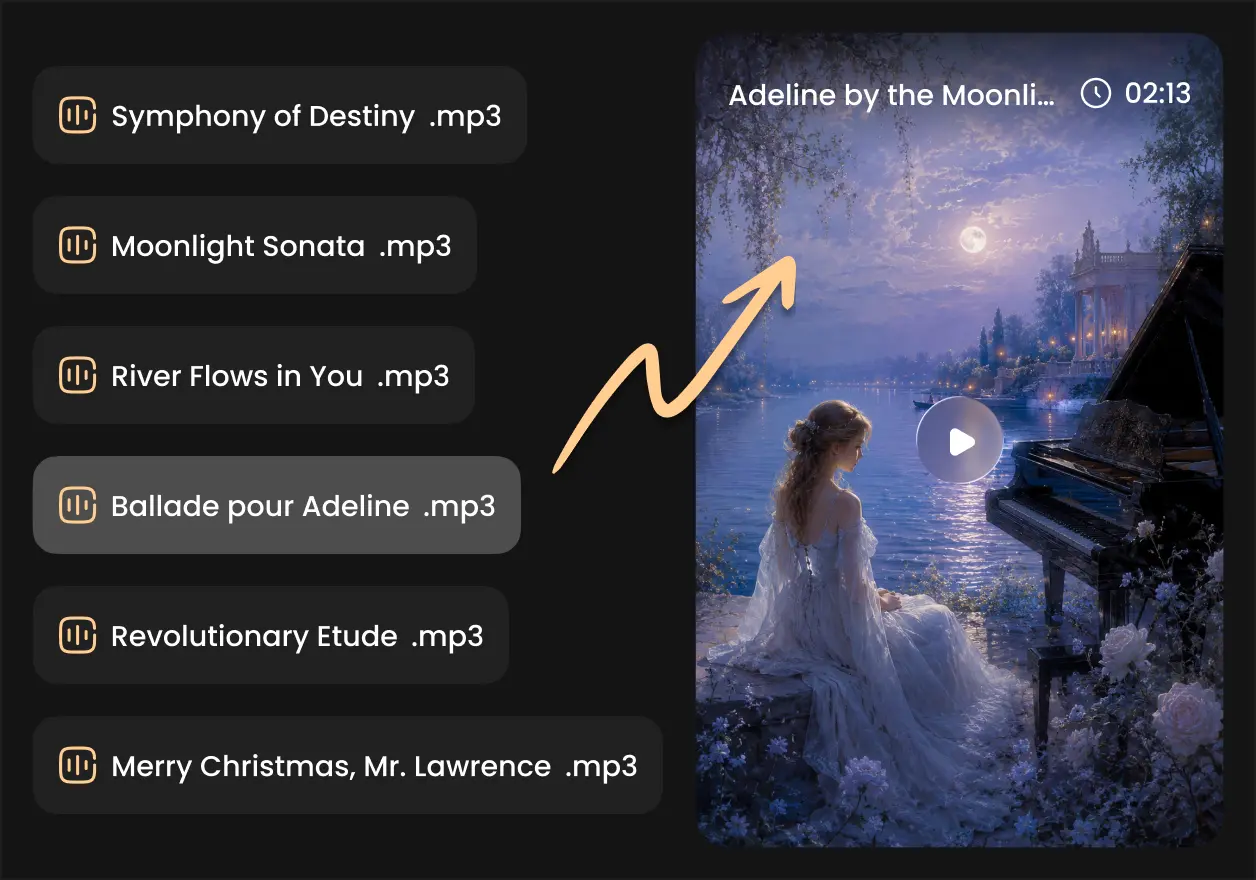


 Abonnés
 Notes de l'App
 Créateurs
Importez votre fichier audio avant d’écrire le brief visuel, afin que le résultat parte du morceau plutôt que d’un prompt générique.
Guidez la vidéo avec genre, ambiance, rythme, personnages, idées de scènes, couleurs et mouvements de caméra pour un visuel musical plus intentionnel.
Utilisez VibeMe comme générateur vidéo IA depuis audio pour beats, singles, extraits de refrain, clips guidés par la voix et contenu marketing musical.
Créez des boucles animées, scènes de performance surréalistes, visuels abstraits liés au rythme, arrière-plans proches du lyric video et idées de clip artistique IA.
Essayez plusieurs directions visuelles pour le même audio avant de choisir le style adapté à votre campagne, chaîne ou moment de sortie.
Passez de l’import au storyboard puis à la génération dans un seul studio, avec des options pour davantage d’exports et de contrôle du filigrane.
Affichez des preuves sur les réseaux sociaux, des vidéos performantes et des exemples de créateurs réalisés avec le flux de travail de clip vidéo IA de VibeMe.


Ajoutez un MP3, WAV, M4A ou une vidéo avec audio exploitable. VibeMe lit la source pour que votre vidéo IA parte de la piste qui compte.
Rédigez une courte note créative sur le style, l’émotion, le décor, les personnages, l’animation ou le mouvement de caméra. C’est optionnel, mais cela aide le convertisseur audio en vidéo IA à suivre vos goûts.
Créez la vidéo, affinez la direction et exportez des clips pour réseaux sociaux, YouTube, pages de sortie ou campagnes de fans.
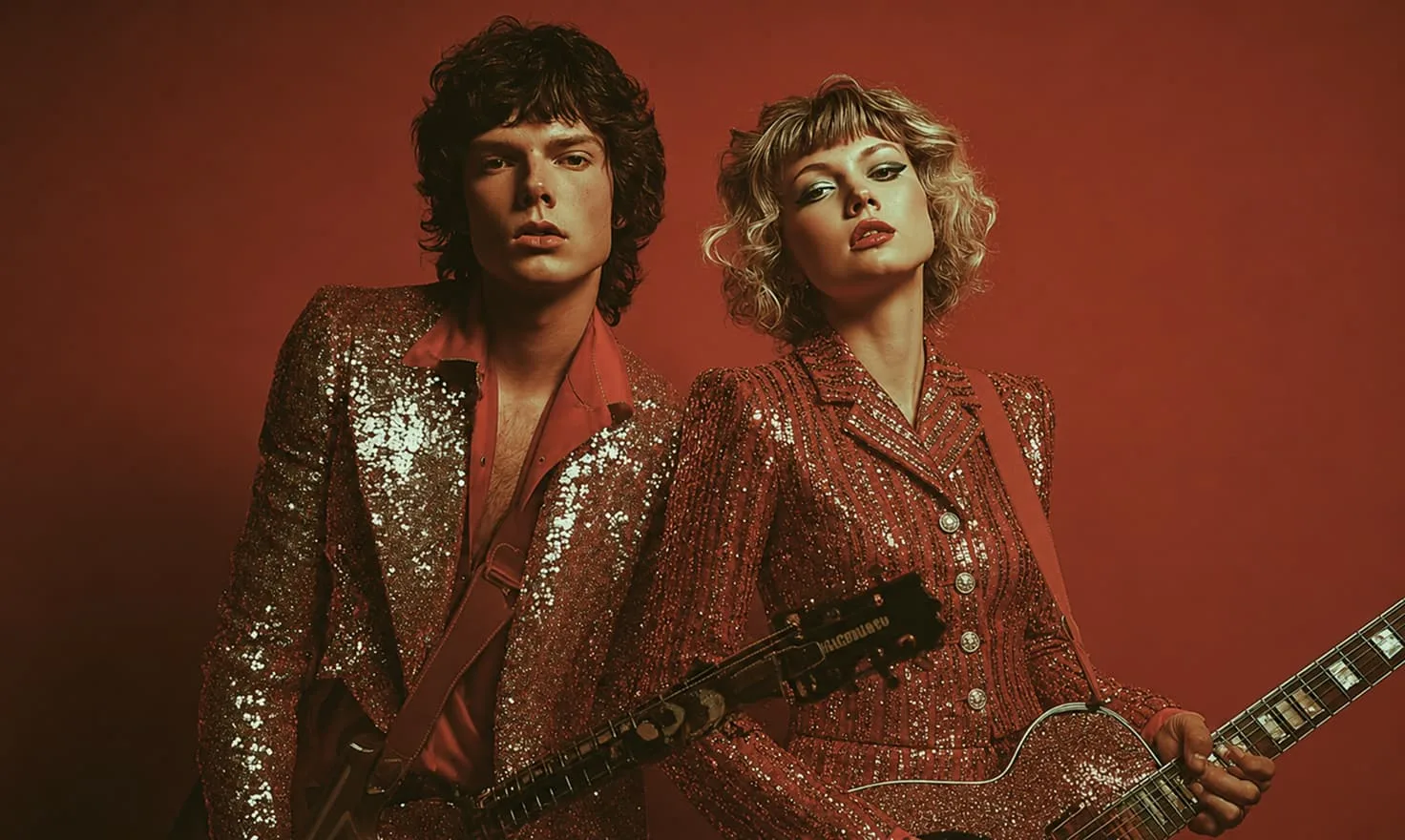
Créez des visuels animés ou de performance depuis votre chanson.
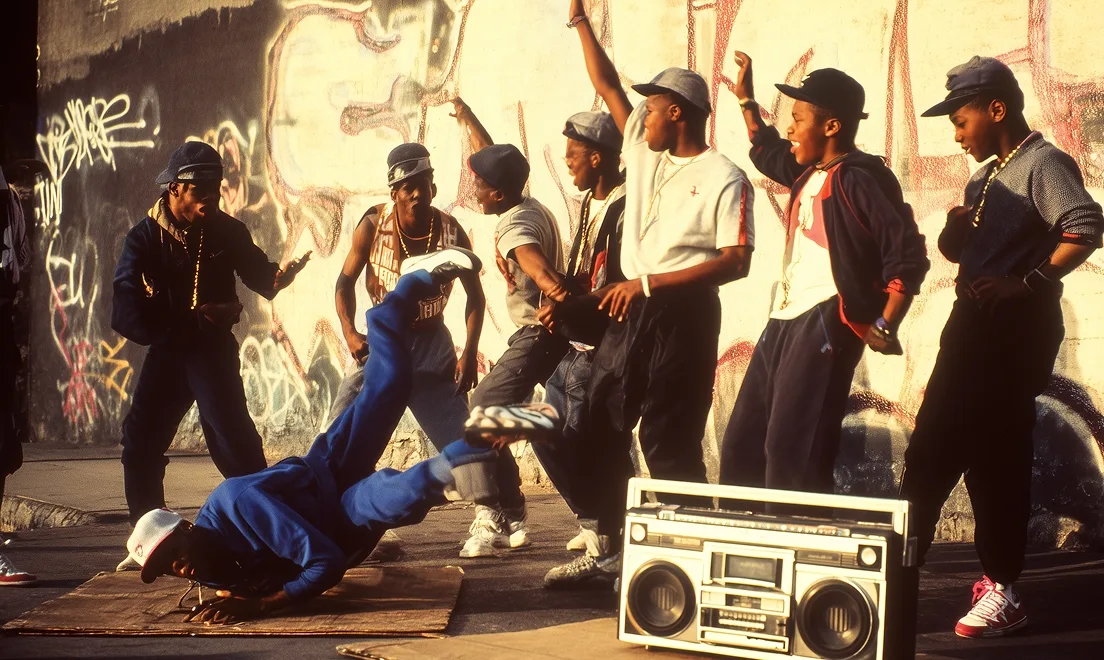
Planifiez votre vidéo guidée par l’audio scène par scène.

Générez des clips autonomes depuis du texte ou des références.
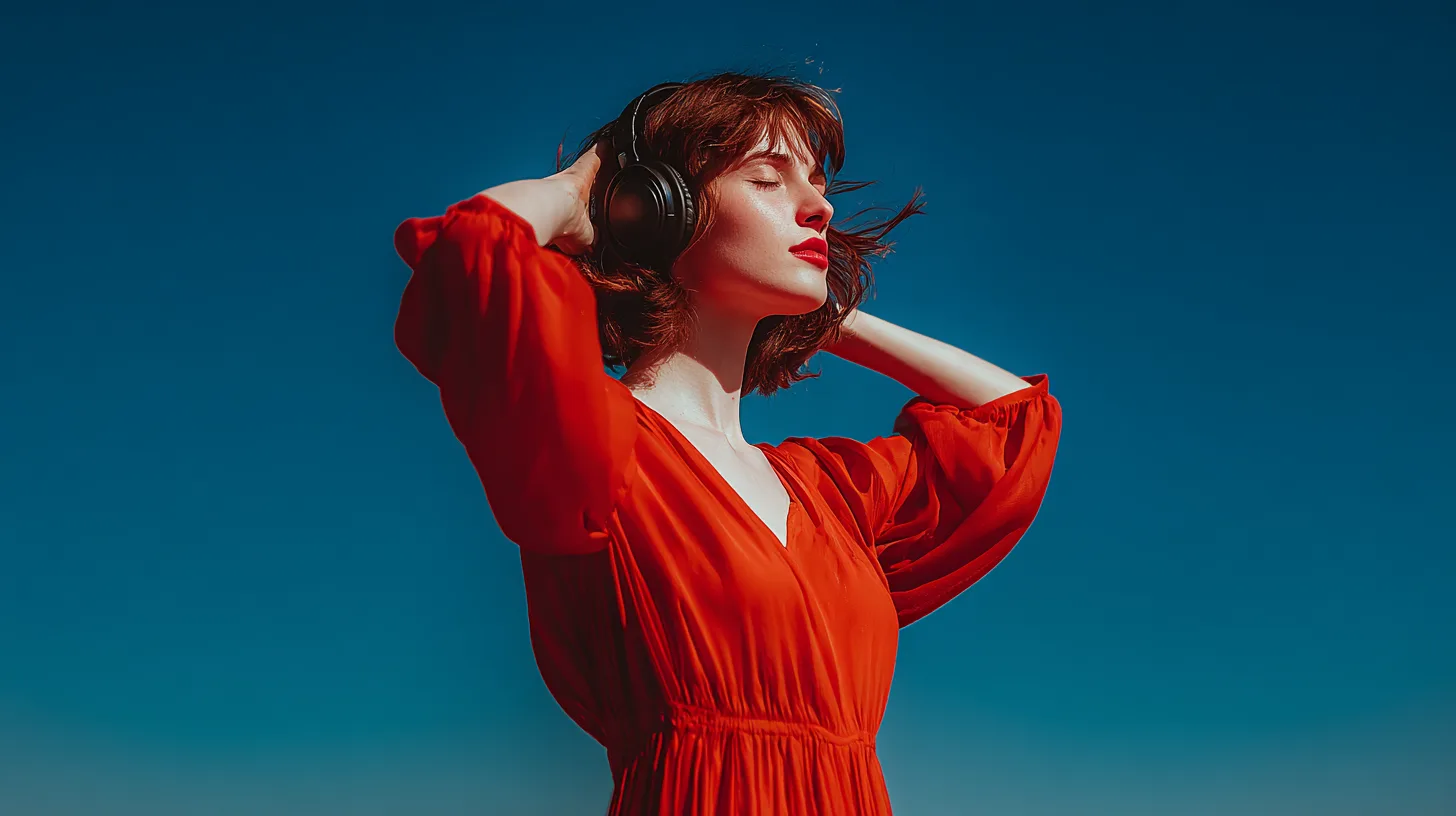
Créez des idées musicales, puis transformez l’audio final en vidéo.
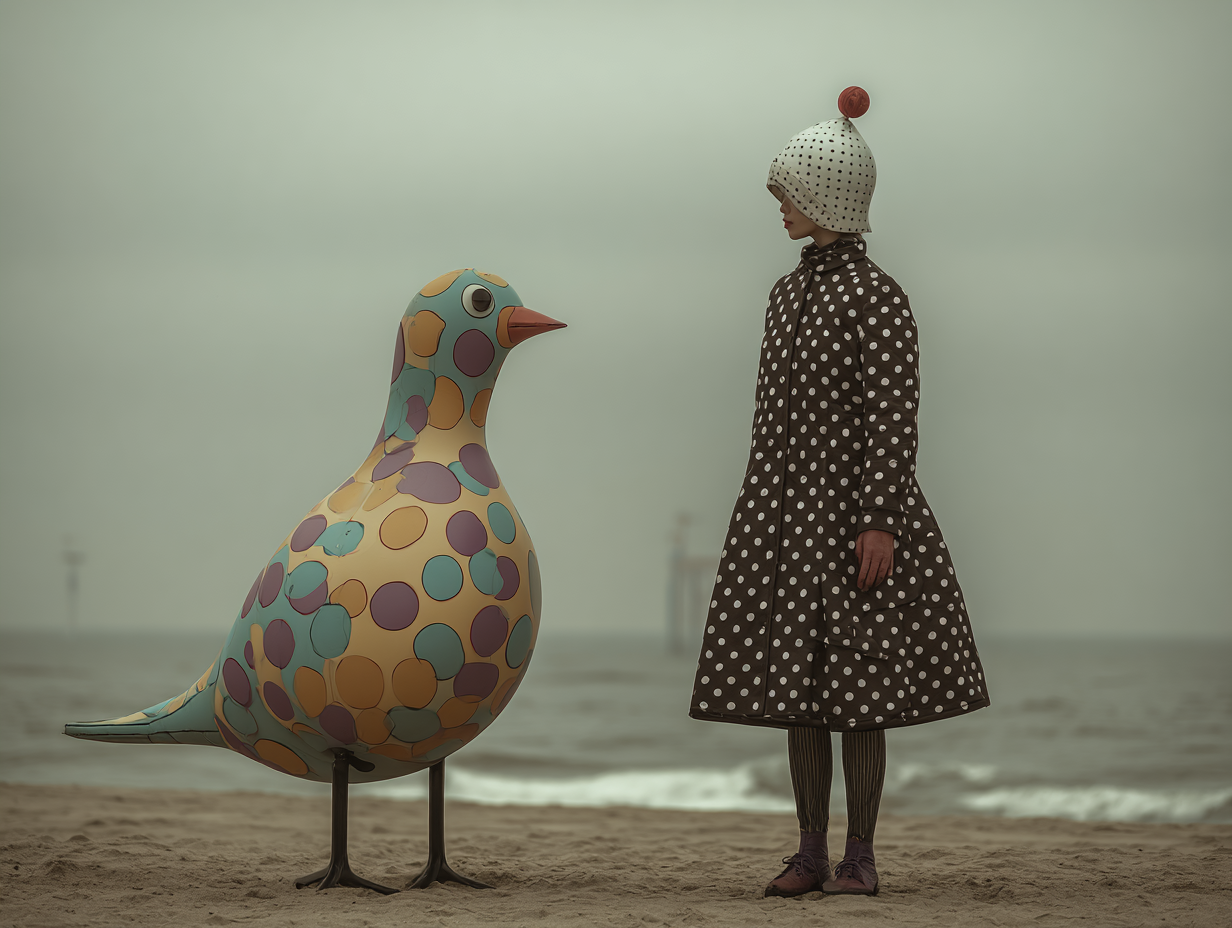
Générez pochettes, références et images de style.
Obtenez 10% de bonus sur les packs de crédits
“I had a beat loop sitting around for months. Uploading it into VibeMe gave me a visual direction I could post the same afternoon.”
“The audio-first flow feels different from a normal text-to-video tool. I can start with the song and then shape the camera language around it.”
“I use it for quick chorus teasers. One MP3 becomes several video directions for TikTok, Shorts, and release posts.”
“VibeMe is helpful when a client sends audio but has no footage. I can propose a song to video AI concept before the campaign stalls.”
“The prompt details matter. I can ask for soft animation, neon movement, or abstract visuals and keep exploring from the same audio.”
“I had a beat loop sitting around for months. Uploading it into VibeMe gave me a visual direction I could post the same afternoon.”
“The audio-first flow feels different from a normal text-to-video tool. I can start with the song and then shape the camera language around it.”
“I use it for quick chorus teasers. One MP3 becomes several video directions for TikTok, Shorts, and release posts.”
“VibeMe is helpful when a client sends audio but has no footage. I can propose a song to video AI concept before the campaign stalls.”
“The prompt details matter. I can ask for soft animation, neon movement, or abstract visuals and keep exploring from the same audio.”
“I had a beat loop sitting around for months. Uploading it into VibeMe gave me a visual direction I could post the same afternoon.”
“The audio-first flow feels different from a normal text-to-video tool. I can start with the song and then shape the camera language around it.”
“I use it for quick chorus teasers. One MP3 becomes several video directions for TikTok, Shorts, and release posts.”
“VibeMe is helpful when a client sends audio but has no footage. I can propose a song to video AI concept before the campaign stalls.”
“The prompt details matter. I can ask for soft animation, neon movement, or abstract visuals and keep exploring from the same audio.”
“I had a beat loop sitting around for months. Uploading it into VibeMe gave me a visual direction I could post the same afternoon.”
“The audio-first flow feels different from a normal text-to-video tool. I can start with the song and then shape the camera language around it.”
“I use it for quick chorus teasers. One MP3 becomes several video directions for TikTok, Shorts, and release posts.”
“VibeMe is helpful when a client sends audio but has no footage. I can propose a song to video AI concept before the campaign stalls.”
“The prompt details matter. I can ask for soft animation, neon movement, or abstract visuals and keep exploring from the same audio.”
“For unreleased demos, it gives me a fast way to test whether the track wants a cinematic, animated, or social-first visual world.”
“I stopped searching for random background clips. The tool gives me video ideas that feel tied to the mood of the track.”
“Our label uses VibeMe to mock up audio-driven visuals before choosing which songs need a larger production budget.”
“It is simple enough for daily content, but the results still feel more personal than a generic visualizer.”
“I uploaded a rough voice memo and generated a moody animated direction that helped me pitch the final song treatment.”
“For unreleased demos, it gives me a fast way to test whether the track wants a cinematic, animated, or social-first visual world.”
“I stopped searching for random background clips. The tool gives me video ideas that feel tied to the mood of the track.”
“Our label uses VibeMe to mock up audio-driven visuals before choosing which songs need a larger production budget.”
“It is simple enough for daily content, but the results still feel more personal than a generic visualizer.”
“I uploaded a rough voice memo and generated a moody animated direction that helped me pitch the final song treatment.”
“For unreleased demos, it gives me a fast way to test whether the track wants a cinematic, animated, or social-first visual world.”
“I stopped searching for random background clips. The tool gives me video ideas that feel tied to the mood of the track.”
“Our label uses VibeMe to mock up audio-driven visuals before choosing which songs need a larger production budget.”
“It is simple enough for daily content, but the results still feel more personal than a generic visualizer.”
“I uploaded a rough voice memo and generated a moody animated direction that helped me pitch the final song treatment.”
“For unreleased demos, it gives me a fast way to test whether the track wants a cinematic, animated, or social-first visual world.”
“I stopped searching for random background clips. The tool gives me video ideas that feel tied to the mood of the track.”
“Our label uses VibeMe to mock up audio-driven visuals before choosing which songs need a larger production budget.”
“It is simple enough for daily content, but the results still feel more personal than a generic visualizer.”
“I uploaded a rough voice memo and generated a moody animated direction that helped me pitch the final song treatment.”
L’audio en vidéo avec l’IA transforme un fichier audio importé en visuels vidéo à l’aide d’un prompt. Avec VibeMe, vous importez votre musique, décrivez le style et générez des scènes pour clips sociaux, teasers et clips musicaux.
Vous importez une chanson ou un extrait audio, ajoutez une direction créative optionnelle, puis générez des scènes vidéo autour du morceau. C’est utile pour créer de la musique en vidéo avec l’IA sans monter manuellement des images au rythme du son.
Oui. VibeMe prend en charge les formats courants comme MP3, WAV et M4A, pratique pour les producteurs, artistes et marketeurs qui veulent transformer un fichier audio en ressource visuelle.
VibeMe propose un essai gratuit pour tester l’import audio et la génération visuelle en ligne. Les détails du plan définissent la capacité de génération, la qualité d’export et les options de filigrane.
Vous pouvez tester des idées avec l’accès gratuit, tandis que l’export propre et l’absence de filigrane dépendent du plan actuel. Vérifiez les tarifs avant publication si c’est important.
Oui. Vous pouvez décrire des personnages animés, mouvements abstraits, décors cinématographiques, plans de performance ou scènes de visualizer pour créer un clip animé IA depuis votre audio.
Oui. VibeMe sert de générateur vidéo IA depuis musique et de générateur audio en vidéo IA pour les créateurs qui veulent des visuels basés sur une piste, un beat, une démo ou une chanson finalisée.
Envoyez un e-mail à support@vibemeai.net et notre équipe vous aidera pour les questions produit, facturation et workflow.
Générez une chanson, animez une photo ou transformez un prompt en un clip vidéo complet pour votre prochain post.
 680K vues